7 Best Chatbots for WordPress to Boost Engagement
In today's fast-paced digital environment, visitors expect instant answers and seamless support. A simple contact form often isn't enough to meet these expectations. Integrating chatbots for WordPress can transform your website from a static brochure into an interactive, 24/7 engagement hub. Whether you aim to capture more leads, provide instant customer service, or guide users through your sales funnel, the right chatbot automates critical tasks, improves user experience, and ultimately boosts conversions.
But with so many options available, which one is the right fit for your specific business goals and technical comfort level? This guide cuts through the noise. We will break down the top chatbot solutions, including standout options like Yoonoo, Tidio, and HubSpot. We will compare their key features, pricing models, and overall ease of setup so you can make an informed decision. To fully leverage your chosen plugin, having a solid grasp of your site's backend is key, and a resource like a comprehensive WordPress manual can provide that foundation.
Each review includes screenshots and direct links, giving you everything you need to choose and deploy a powerful automated assistant on your site today. Let's find the perfect chatbot for your WordPress website.
1. Yoonoo
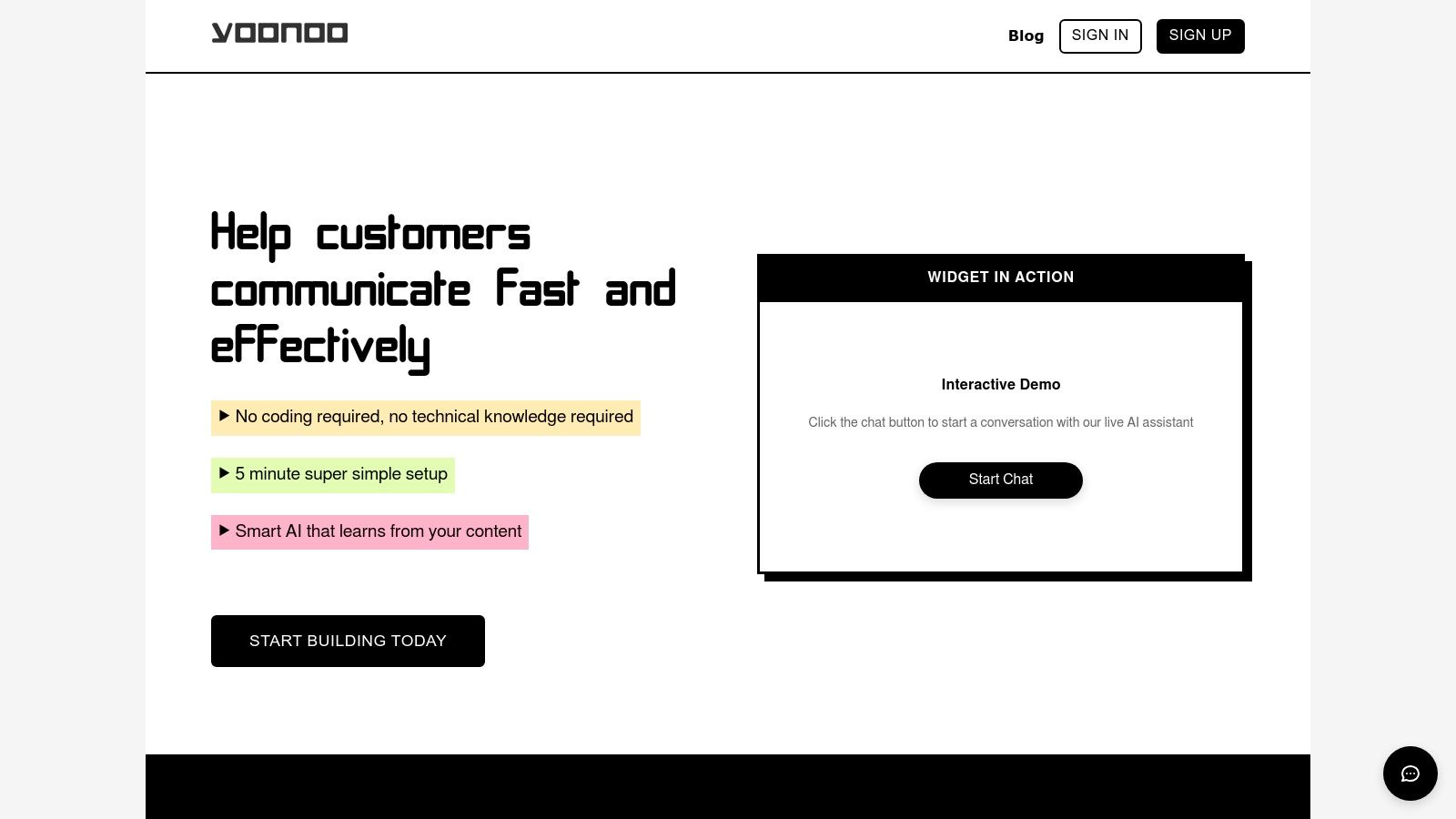
Yoonoo stands out as a powerful and remarkably fast no-code AI chatbot builder, making it an excellent choice for anyone looking to integrate intelligent, context-aware chatbots for WordPress. Designed for small businesses, e-commerce sites, and support teams, its primary strength lies in its simplicity and speed. You can deploy a fully functional chatbot trained on your own website content, documents, or PDFs in about five minutes without writing a single line of code.
This platform learns directly from the knowledge base you provide, ensuring that its responses are always relevant and aligned with your brand's voice and information. This prevents the common issue of generic or inaccurate answers, making the chatbot a reliable first point of contact for customer inquiries. Yoonoo’s interactive on-site demo allows you to test this capability firsthand before committing, showcasing the quality of its AI.
Key Features and Deployment
Yoonoo provides multiple ways to integrate its chatbot, ensuring you can meet users where they need help most. The classic bottom-right chat widget is perfect for general site-wide support. A unique feature is the inline content chat, which allows you to embed the chatbot directly within specific documentation or FAQ pages, providing contextual assistance right where users are looking for it.
For more advanced use cases, Yoonoo offers API access and native integrations with Zapier and Make.com. This unlocks powerful automation workflows, such as automatically generating email responses to support tickets or connecting chat interactions with your CRM.
A Transparent Pricing Model
Yoonoo’s pricing structure is one of its most compelling advantages. It avoids complex subscription plans for messaging, instead offering a pay-as-you-go model.
- Message Credits: You purchase credits as needed at a rate of $0.002 per message ($2 per 1,000 messages). These credits are a one-time purchase and never expire, giving you complete control over your spending.
- Knowledge Base: The first 10 indexed pages are free. As your knowledge base grows, you can scale with affordable monthly tiers, such as 100 pages for $5/month or 500 pages for $20/month.
This transparent model makes it easy to predict costs and scale your chatbot usage without being locked into a high-priced monthly plan.
Website: Yoonoo.ai
| Pros | Cons |
|---|---|
| Deploys a custom-trained chatbot in ~5 minutes | No public mention of enterprise-grade compliance (SOC2, HIPAA) |
| Flexible pay-as-you-go pricing for messages | Larger sites may incur ongoing indexed-page subscription costs |
| Multiple deployment options (widget, inline, API) | Chatbot effectiveness depends entirely on the quality of provided content |
| AI trained on your own content for high accuracy |
2. WordPress.org Plugin Directory (Chatbot tag)
The official WordPress.org Plugin Directory is the central hub for finding and comparing free and freemium chatbots for WordPress. Instead of being a single product, it’s a vast, searchable library where developers list their plugins. This makes it an essential starting point for anyone looking to add a chatbot to their site without an immediate financial commitment.
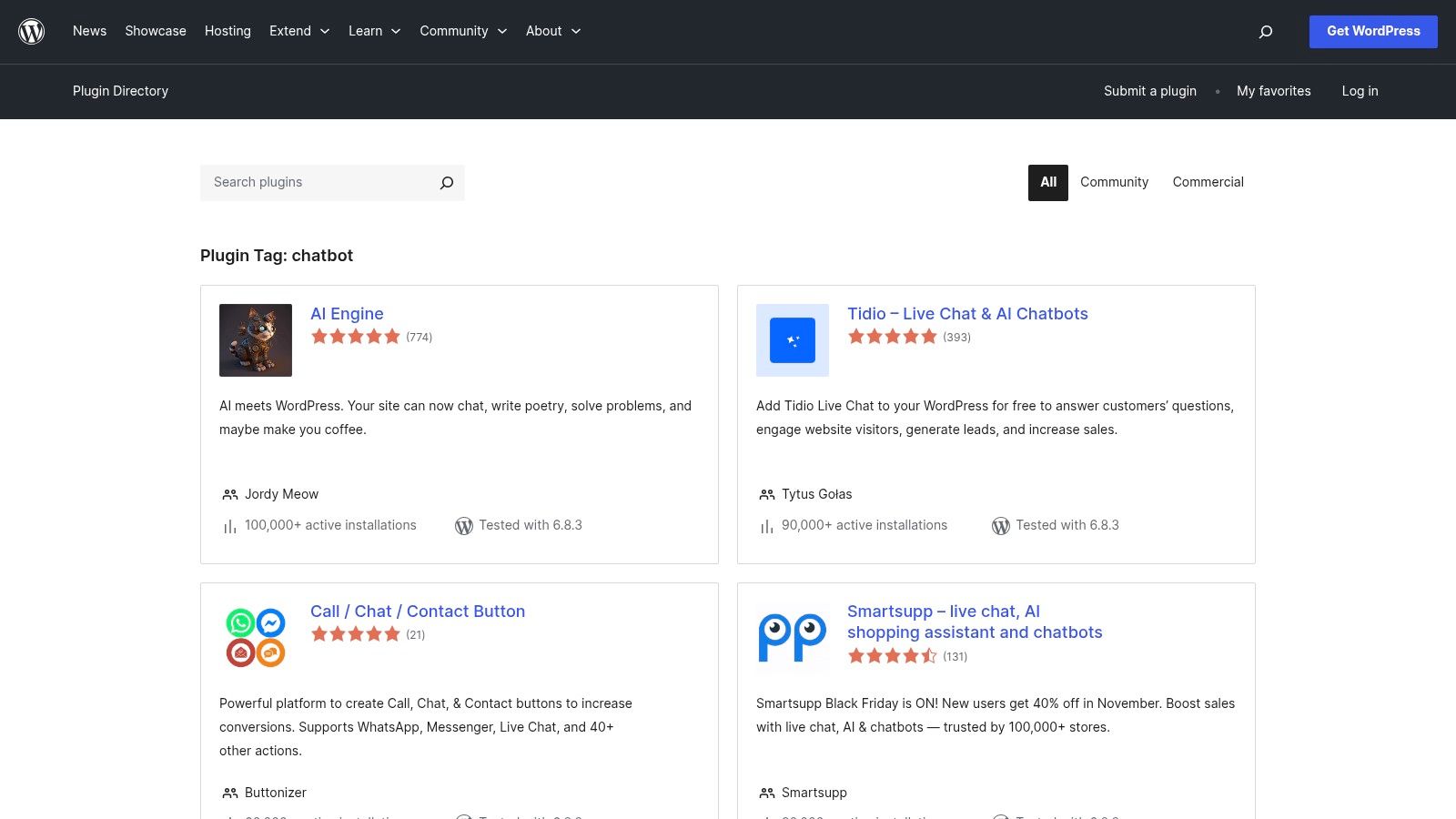
What makes the directory unique is its transparency and direct integration with your WordPress dashboard. You can install and activate plugins with a single click, making the trial process incredibly simple. Each plugin listing provides vital "health signals" like the last update date, active installation count, and user reviews, helping you gauge its reliability and support level before you commit.
Vetting Your Options
The sheer volume of choices can be overwhelming, so it’s important to vet them carefully. The platform offers a wide variety of bots, from simple rule-based assistants to more complex AI-powered solutions. However, the quality and feature depth vary significantly. Many free versions offer basic functionality, with advanced features like AI integrations or detailed analytics locked behind a premium upgrade.
Practical Tips for Using the Directory
- Check "Last updated" and "Tested with": Prioritize plugins that are frequently updated and compatible with the latest WordPress version to avoid security risks.
- Read the "Support" tab: Skim recent support threads to see how responsive and helpful the developers are.
- Filter by "Active Installations": A high number often indicates a stable and popular plugin, though newer plugins can also be excellent.
The directory is the best place to start your search, especially if you're looking to understand what different types of chatbots can do. For a deeper dive into the setup process, you can find a helpful guide that explains how to create a chatbot for your website.
Website: https://wordpress.org/plugins/tags/chatbot/
3. Tidio
Tidio is a comprehensive customer service platform that excels by combining live chat, AI-powered automation, and a dedicated WordPress plugin. It’s designed for businesses that want to provide instant support while simultaneously automating routine queries. Its standout feature is Lyro, an AI agent that learns from your website content to answer common questions, freeing up human agents to handle more complex issues.
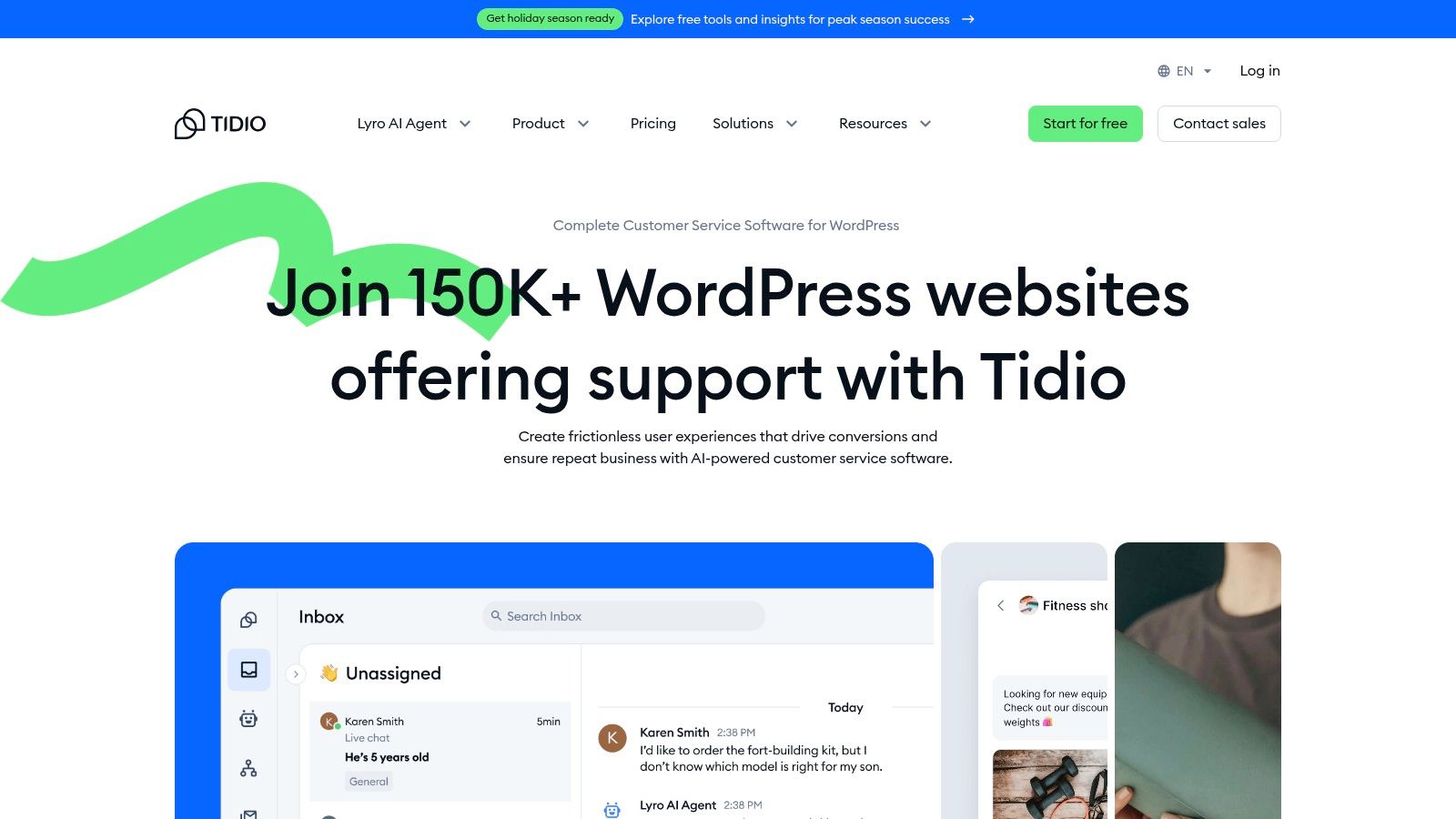
What makes Tidio a powerful choice among chatbots for WordPress is its seamless integration and user-friendly, no-code automation builder. You can install the plugin and have a functional chat widget running in minutes, thanks to a guided onboarding process. The platform also offers over 40 automation templates for common scenarios like lead generation, cart abandonment, and FAQ responses, making it accessible even for non-technical users.
AI-Powered Customer Support
Tidio’s strength lies in its hybrid approach to customer service. The AI agent, Lyro, can deflect up to 70% of common customer questions by providing instant, accurate answers based on your knowledge base. This reduces ticket volume and allows your support team to focus on high-value interactions. For e-commerce sites, its native WooCommerce integration allows the chatbot to check order status, product availability, and shipping policies directly within the chat.
Practical Tips for Using Tidio
- Start with Templates: Use the pre-built automation templates to get started quickly. Customize them to fit your brand’s voice and specific customer journeys.
- Train Your AI: Spend time building a comprehensive FAQ or knowledge base. The more information Lyro has, the more effective it will be at deflecting routine questions.
- Monitor Conversations: Regularly review both AI and human-led conversations to identify common pain points and opportunities for new automation flows.
Tidio's pricing scales with the number of conversations, which can be a double-edged sword: it’s affordable to start but can become more expensive as your site traffic grows. For a detailed analysis of how it stacks up against other solutions, check out this live chat software comparison.
Website: https://www.tidio.com/integrations/wordpress/
4. ChatBot by LiveChat (ChatBot.com)
ChatBot by LiveChat is an enterprise-grade platform designed for businesses that need a powerful, visually-driven bot builder. As part of the LiveChat ecosystem, its primary strength lies in its deep integration with human-led support systems, making it one of the most robust chatbots for WordPress for teams looking to automate and escalate conversations seamlessly. You can build complex conversational flows without writing a single line of code.
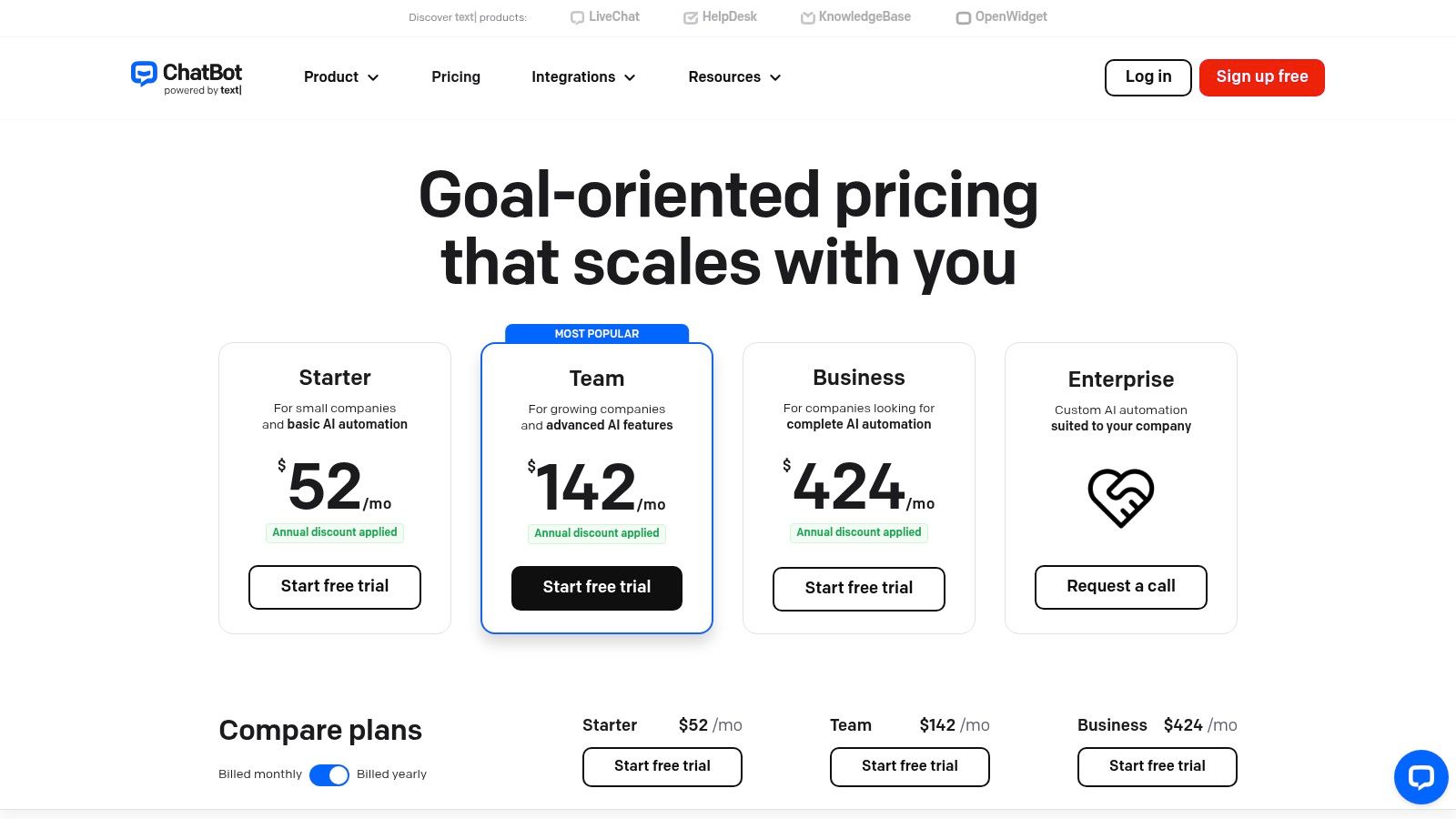
The platform stands out with its powerful visual builder that allows you to train the bot on your website content, creating a knowledgeable assistant in minutes. This makes setup significantly faster than manual rule creation. Deploying it to your WordPress site is straightforward thanks to an official plugin, ensuring a quick and stable integration. Its multi-channel capabilities also mean you can use the same bot on your website, Facebook Messenger, and Slack.
A Scalable, Integrated Solution
ChatBot is built for scalability, making it ideal for businesses anticipating growth. The toolset is mature, offering detailed analytics, A/B testing, and seamless handoffs to human agents using LiveChat or HelpDesk. This creates a unified customer communication workflow where the bot handles initial queries and an agent takes over for complex issues without missing a beat.
Pricing and Practical Considerations
- Tiered Plans: Pricing starts with a "Starter" plan that includes a set number of chats per month, with clear policies for overages. This transparent model helps you manage costs effectively.
- Integration is Key: To get the most value, consider using it alongside LiveChat. The synergy between the two products is where the platform truly shines.
- Evaluate Your Needs: While powerful, its advanced features might be overkill for a very small site with basic needs. It is best suited for businesses focused on lead generation, customer support automation, and a high volume of interactions.
The platform's higher entry price reflects its enterprise focus, but for businesses already invested in the LiveChat ecosystem or seeking a high-performance, integrated solution, it offers exceptional value and control.
Website: https://www.chatbot.com/pricing/
5. HubSpot (WordPress plugin)
HubSpot offers a powerful, all-in-one WordPress plugin that goes far beyond a simple chatbot. It’s a complete marketing and sales platform that integrates a free CRM, live chat, email marketing, and forms directly into your WordPress dashboard. This makes it an ideal choice for businesses looking to build a unified customer communication strategy from the ground up.
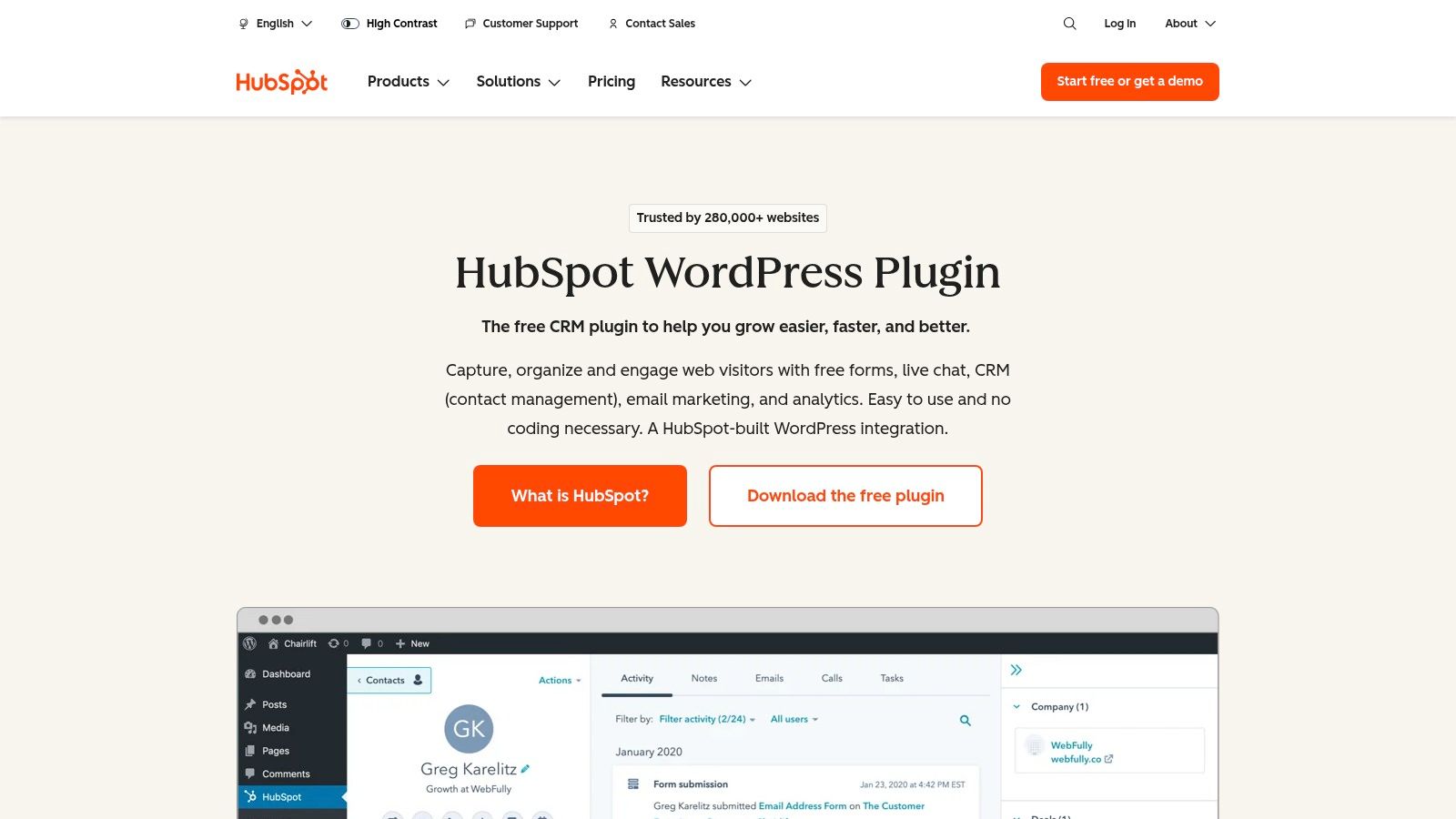
What truly sets HubSpot apart is its CRM-first approach. Every chat conversation, form submission, and visitor interaction is automatically logged in the CRM, giving you a complete history of each contact. The free chatbot builder allows you to create simple, rule-based bots to qualify leads, book meetings, and answer common questions, all while your human team is away. This seamless integration ensures no lead falls through the cracks.
Beyond Basic Chatbots
While many chatbot solutions focus solely on the chat widget, HubSpot provides a full suite of tools to support it. The plugin includes a shared team inbox where all chat, email, and form submissions land, enabling collaborative customer support. You also get access to pop-up form builders and detailed analytics to track your engagement efforts. When considering HubSpot, it's worth exploring its full capabilities, particularly if you are looking for the best free CRM for small businesses to complement your engagement strategy.
Practical Tips for Using HubSpot
- Start with the free tools: The free chatbot and CRM are incredibly robust. Use them to understand your audience and automate basic lead qualification before considering paid upgrades.
- Connect it to your forms: Link your chatbots to HubSpot’s form and pop-up tools to create a cohesive lead capture system across your entire site.
- Leverage the CRM: Train your team to use the CRM to view conversation history. This context is invaluable for providing personalized and effective support.
The main drawback is that advanced features like sophisticated automation, routing rules, and AI capabilities are locked behind paid subscriptions to their Service Hub or Marketing Hub. These can become costly as your team grows.
Website: https://www.hubspot.com/products/wordpress
6. Intercom
Intercom is a premium customer communications platform known for its enterprise-grade AI support and proactive engagement tools. While it's a comprehensive solution on its own, it integrates with WordPress through an official plugin or other installation methods, bringing its powerful Messenger and automation capabilities directly to your site. It's an ideal choice for product-led businesses and SaaS companies that need robust support workflows.
What sets Intercom apart is its focus on the entire customer lifecycle, not just reactive support. The platform combines a sophisticated AI chatbot named Fin, a shared team inbox, and proactive messaging tools. This allows you to automatically resolve common queries, route complex issues to the right agent, and engage visitors with targeted messages, all within a single, unified interface.
Enterprise-Grade Automation
Intercom is built for scale and complex workflows. Its automation features go beyond simple Q&A to include sophisticated routing rules, human agent takeover protocols, and deep integrations with other business tools like Salesforce and Marketo. While this power comes at a premium price, it provides a level of control and efficiency that many simpler chatbots for WordPress cannot match, making it a strong contender for businesses with established support teams.
Installation and Setup Tips
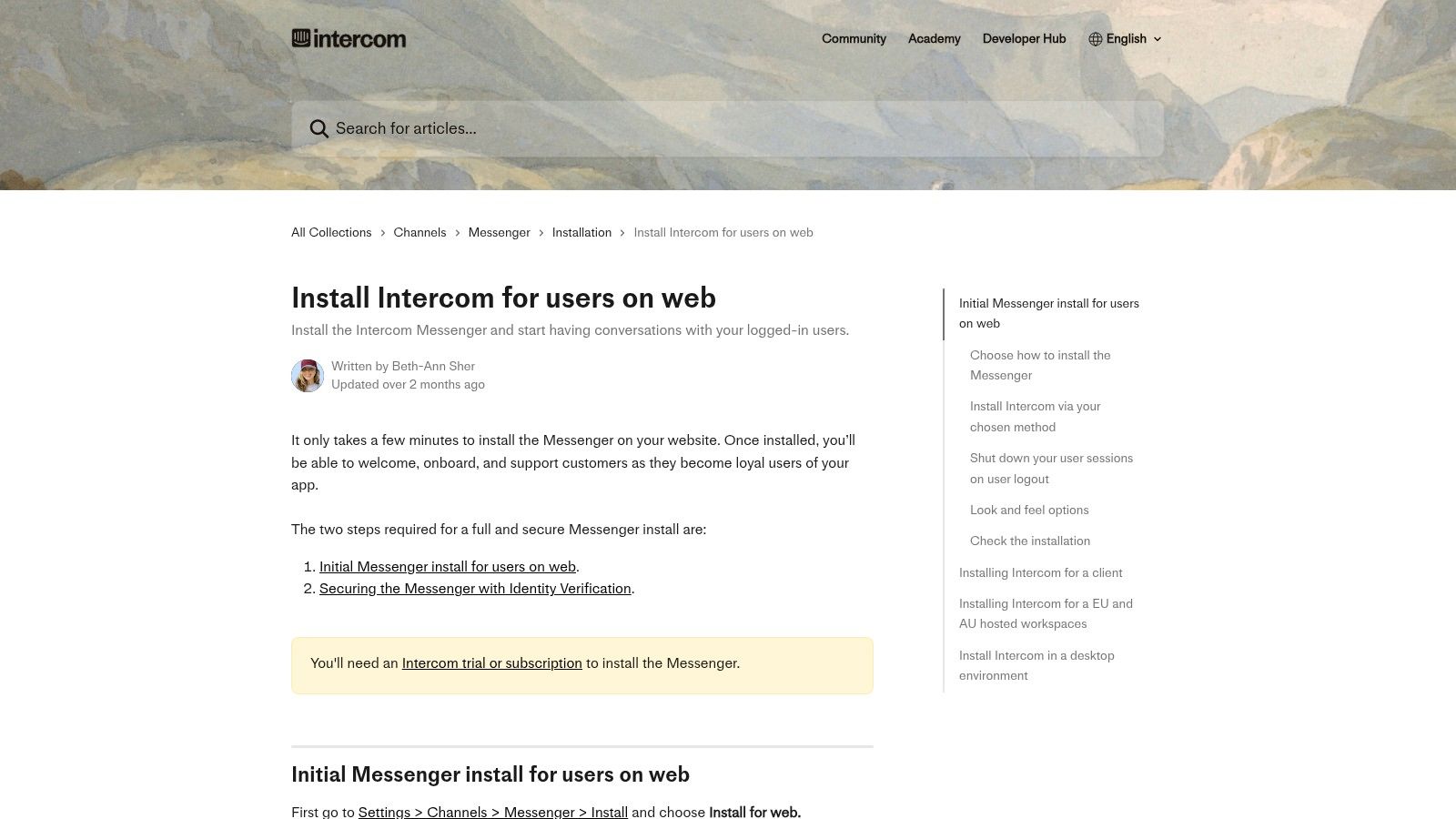
- Choose Your Method: You can install Intercom via their official WordPress plugin, a direct JavaScript snippet, or Google Tag Manager. The plugin is the simplest, but the other methods offer more control.
- Consult the Documentation: Intercom provides extensive, clear documentation to guide you through installation and setup, regardless of the method you choose.
- Regional Hosting: Be aware of data hosting. For instance, EU-based workspaces may need to use alternative installation methods instead of the standard WordPress plugin to ensure compliance.
Intercom is best for businesses that are ready to invest in a high-end customer communication and support system and require advanced automation to manage a large volume of interactions.
Website: https://www.intercom.com/install
7. tawk.to
tawk.to is one of the most popular live chat platforms globally, known for its powerful free-forever plan. While primarily a live chat solution, its optional AI Assist add-on transforms it into a capable chatbot for WordPress. This makes it an ideal choice for businesses that want to start with free live chat and later scale into automated, AI-powered conversations without switching platforms.
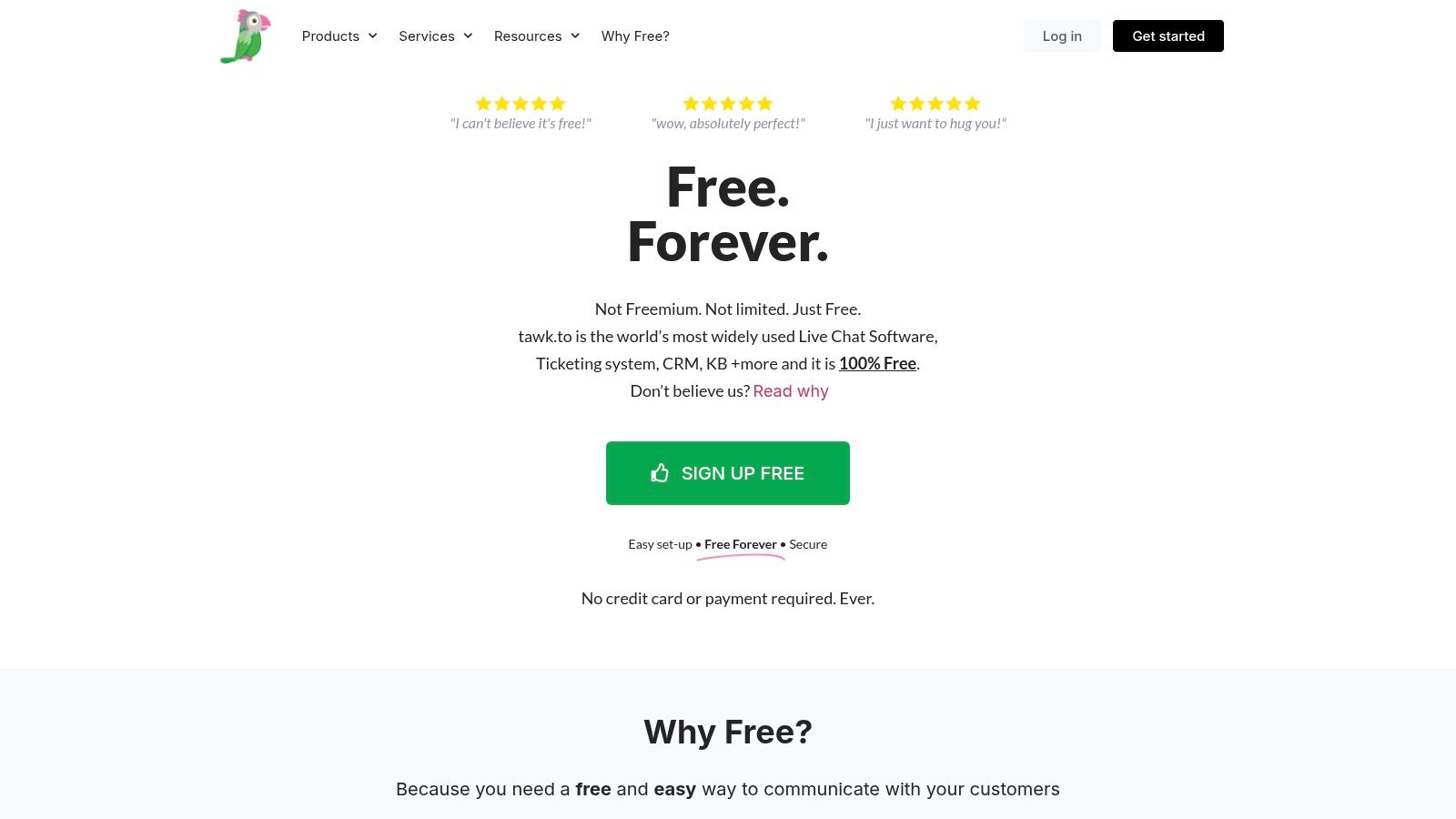
The core strength of tawk.to lies in its accessibility. The base platform is completely free and includes unlimited agents, websites, and chat history. This low barrier to entry allows you to establish a robust customer communication channel immediately. When you're ready for automation, the AI Assist feature can be trained on your website content or knowledge base to answer common questions, freeing up your support team.
From Live Chat to AI Chatbot
The transition from manual support to automated assistance is seamless. The official tawk.to WordPress plugin makes installation simple, getting the chat widget live on your site in minutes. You can start with human agents and activate AI Assist whenever you're ready. This approach allows you to gather real customer questions first, which can then inform how you train your chatbot for maximum effectiveness.
Practical Tips for Using tawk.to
- Start Free: Use the free live chat to understand your customer's most common inquiries before you invest in the AI add-on.
- Train Your AI: When you enable AI Assist, give it specific URLs to crawl. Prioritize your FAQ, documentation, and key product pages for the best results.
- Monitor Your Credits: The AI Assist feature operates on a message credit system. Keep an eye on your usage to ensure you're on the right pricing tier for your chat volume.
tawk.to is perfect for budget-conscious teams who want a low-cost entry point into live chat with a clear, optional path to leverage powerful AI chatbots for WordPress as their needs grow.
Website: https://www.tawk.to/pricing/
Top 7 WordPress Chatbots: Side-by-Side Comparison
| Product | Implementation complexity | Resource requirements | Expected outcomes | Ideal use cases | Key advantages |
|---|---|---|---|---|---|
| Yoonoo | Very low — no-code, ~5 min setup | Minimal dev effort; pay-as-you-go message credits; indexed-page tiers for KB | Accurate, site-specific AI replies; rapid deployment | Small businesses, e‑commerce, support teams, marketers needing quick chat | Fast setup, credit-based pricing, content-trained responses, multiple embed options |
| WordPress.org Plugin Directory (Chatbot tag) | Low — install via WP dashboard; varies by plugin | WordPress hosting; plugin-specific paid upgrades may be needed | Easy discovery and trial of many chatbot options | WP site owners comparing or testing chatbot plugins | Centralized discovery, one-click install, visible health signals (updates, installs) |
| Tidio | Low — WordPress plugin with guided onboarding | Subscription scales by conversations; paid tiers for AI capacity | Live chat plus AI deflection to reduce repetitive tickets | SMBs and WooCommerce stores needing chat + automation | Combined live chat + AI, many automation templates, native WooCommerce support |
| ChatBot by LiveChat (ChatBot.com) | Medium — visual bot builder; more enterprise setup | Paid plans with tiered chat allowances; higher entry cost | Robust multichannel bots, analytics, seamless handoff to LiveChat | Teams using LiveChat/HelpDesk or enterprises needing control | Mature integrations, visual flow builder, enterprise analytics and quotas |
| HubSpot (WordPress plugin) | Low–Medium — simple install; CRM setup adds work | Free tier available; advanced automation needs paid Hubs and seats | CRM-linked conversations, lead capture, shared inbox and analytics | Businesses wanting integrated CRM + chat and marketing alignment | Unified CRM + chat, shared inbox, forms and analytics in one plugin |
| Intercom | Medium — plugin or JS install; complex automation setup | Premium pricing; enterprise-grade resources and support | Advanced routing, proactive messaging, scalable support workflows | Product-led SaaS and enterprises needing sophisticated workflows | Enterprise automation, strong routing, comprehensive developer tooling |
| tawk.to | Very low — simple WP plugin install | Core platform free; optional AI Assist add-on with message credits | Free live chat out of the box; optional paid AI responses | Budget-conscious teams testing live chat or low-cost support | Free core product, unlimited agents/sites, low-cost path to AI add-on |
Making the Right Choice for Your WordPress Site
We've explored a diverse landscape of powerful chatbots for WordPress, each offering unique strengths to enhance your website. From the comprehensive marketing suites of HubSpot and Tidio to the enterprise-grade power of Intercom and ChatBot.com, the perfect solution is out there. The key is moving beyond features and focusing on your specific business goals.
The digital front door to your business is no longer just a static page; it's an opportunity for a dynamic conversation. Integrating a chatbot transforms your WordPress site from a one-way broadcast into a two-way engagement hub, available 24/7 to assist, guide, and convert your visitors.
How to Choose Your Ideal Chatbot
Making the final decision doesn't have to be complicated. The best chatbot for your WordPress site is the one that aligns with your primary objective, budget, and technical resources.
To narrow down your options, ask yourself these critical questions:
- What is my main goal? Are you focused on generating more qualified leads, providing instant customer support to reduce ticket volume, or simply engaging visitors to lower your bounce rate? Define your number one priority.
- What is my budget? Are you looking for a free solution to start, like Tawk.to, or are you ready to invest in a more advanced AI system with predictable pricing, like Yoonoo?
- How much technical effort can I commit? Do you need a plug-and-play solution that works in minutes, or do you have the resources to configure a more complex system with custom workflows?
For instance, an e-commerce store aiming to reduce cart abandonment might prioritize a tool with proactive engagement features. In contrast, a service-based business might need a chatbot that excels at appointment booking and lead qualification.
Key Factors for a Successful Implementation
Once you’ve chosen a tool, your success depends on a thoughtful implementation. Remember these final points as you get started:
- Start Small: Don't try to automate everything at once. Begin with a simple goal, like answering the top five most frequently asked questions. Build, test, and expand from there.
- Define a Clear Persona: Give your chatbot a personality that reflects your brand. Is it friendly and casual or professional and direct? A consistent tone makes the interaction feel more natural and trustworthy.
- Provide an Escape Hatch: Always give users an easy way to connect with a human agent. This builds trust and ensures that complex issues are handled effectively, preventing user frustration.
- Analyze and Iterate: The true power of using chatbots for WordPress comes from data. Regularly review chat transcripts and analytics to understand what’s working and where you can improve. Use these insights to refine your chatbot’s responses and workflows over time.
Ultimately, the right tool will feel like a natural extension of your team, working tirelessly to improve your customer experience and drive business growth. The journey begins with that first, simple conversation.
Ready to see how an intelligent, easy-to-use AI can transform your visitor engagement? Yoonoo is a chatbot for WordPress designed for simplicity and power, allowing you to train a custom AI on your own content in minutes. Start your free trial of Yoonoo today and begin offering instant, accurate support to every visitor.