12 Best AI Tools for Small Business

Artificial intelligence is no longer just for large corporations with huge budgets. Today, a new generation of powerful, affordable, and user-friendly AI tools is leveling the playing field. These platforms give small businesses the ability to automate tedious tasks, enhance customer support, create marketing materials, and make smarter, data-driven decisions. But with hundreds of options flooding the market, how do you choose the right ones without wasting time and money?
This guide cuts through the noise. We've compiled a comprehensive list of the 12 best AI tools for small business, categorized by their primary function so you can find exactly what you need. To truly supercharge your small business in 2025, understanding the power of automated lead generation using AI tools is a foundational step, and the right platforms make it accessible.
Instead of generic marketing descriptions, you'll find a practical breakdown for each tool, including:
- Key Features: What it does and how it works.
- Ideal Use Cases: Who should use it and for what specific tasks.
- Pros & Cons: An honest look at strengths and limitations.
- Pricing: Clear information on costs and free plans.
We'll cover everything from comprehensive AI suites like Google Workspace with Gemini and Microsoft 365 with Copilot to specialized platforms like Canva's Magic Studio for design and HubSpot's AI for marketing. Each review includes screenshots and direct links to help you evaluate the solutions that will genuinely drive efficiency and growth for your business. Let's dive in.
1. Yoonoo
Yoonoo stands out as a powerful and accessible choice for small businesses seeking to implement intelligent customer support without technical overhead. It’s a no-code AI chatbot builder designed to get a fully functional, knowledgeable assistant on your website in just minutes. The platform works by indexing your existing content, such as web pages, help docs, and PDFs, to create a conversational AI that can answer customer questions accurately and instantly.
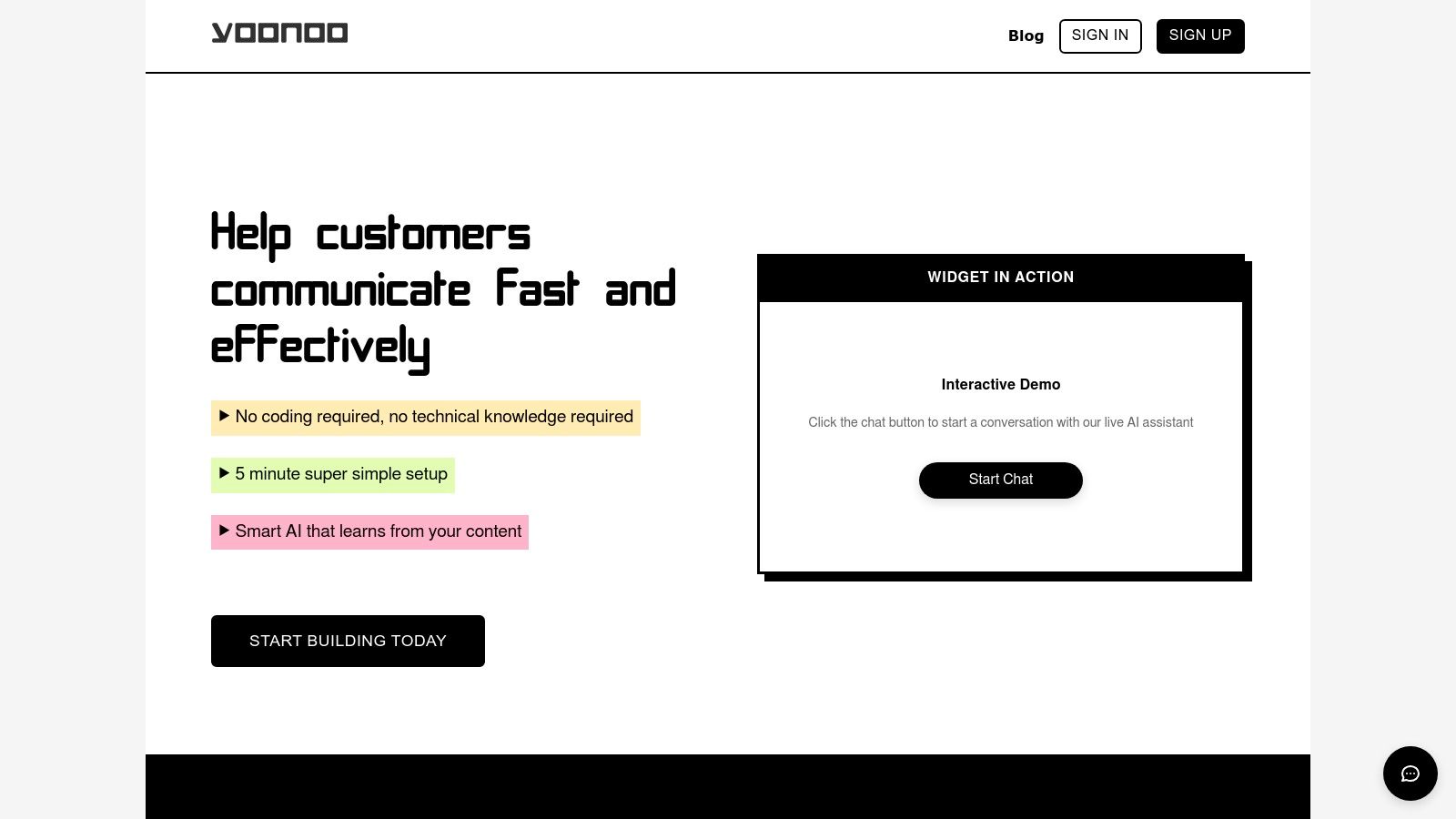
What makes Yoonoo one of the best AI tools for small business is its blend of simplicity and cost-effectiveness. The setup is remarkably fast, requiring zero coding skills. You simply provide the content, and Yoonoo builds the chatbot. The pricing model is also a significant advantage for budget-conscious teams. Instead of a fixed monthly subscription, you purchase message credits that never expire, ensuring you only pay for what you use.
Key Features & Use Cases
- Instant No-Code Setup: Go from signup to a live, trained chatbot in about five minutes. This is ideal for teams without dedicated developers.
- Content-Driven AI: The AI learns directly from your site content, ensuring answers are consistent with your official information. Use it to power a support bot that resolves common queries or an interactive FAQ.
- Flexible Embedding: Deploy the chatbot as a classic bottom-right widget or embed it directly within specific pages, like documentation or a contact page, for contextual assistance.
- Pay-Per-Use Messaging: Message credits cost a fraction of a cent ($0.002/message) and are purchased in one-time bundles. This pay-as-you-go model removes the pressure of monthly fees for fluctuating usage.
- Workflow Automation: With API access and integrations via Zapier or Make.com, you can automate tasks like drafting email replies or creating support tickets from chat conversations.
Yoonoo’s transparent pricing includes a free tier for your first 10 indexed pages and affordable monthly plans for larger knowledge bases (starting at $5/month for 100 pages). This structure allows businesses to start small and scale their AI support as they grow, making it a pragmatic and powerful automation tool. For a deeper dive, you can learn more about how an AI chatbot benefits a small business on their blog.
Website: https://yoonoo.ai
Best For: Small businesses, e-commerce sites, and lean support teams needing fast, low-cost, and effective AI-powered customer service.
| Pros | Cons |
|---|---|
| Extremely fast, no-code setup allows for deployment in minutes. | High message volume could lead to less predictable costs compared to a flat-rate plan. |
| Pay-per-use message credits that don't expire offer excellent cost control. | Lacks the enterprise-grade features and certifications that larger organizations might require. |
| AI learns from your own content, ensuring accurate, on-brand responses. | |
| Multiple integration options (widget, inline, API) provide great flexibility. |
2. OpenAI — ChatGPT for Business
For small businesses needing a versatile, all-purpose AI assistant, OpenAI’s ChatGPT for Business is an essential platform. It moves beyond the public version by offering a secure, multi-user workspace designed for team collaboration. This makes it one of the best AI tools for small business owners who need a powerful assistant for everything from drafting marketing copy to analyzing sales data, without requiring technical expertise.
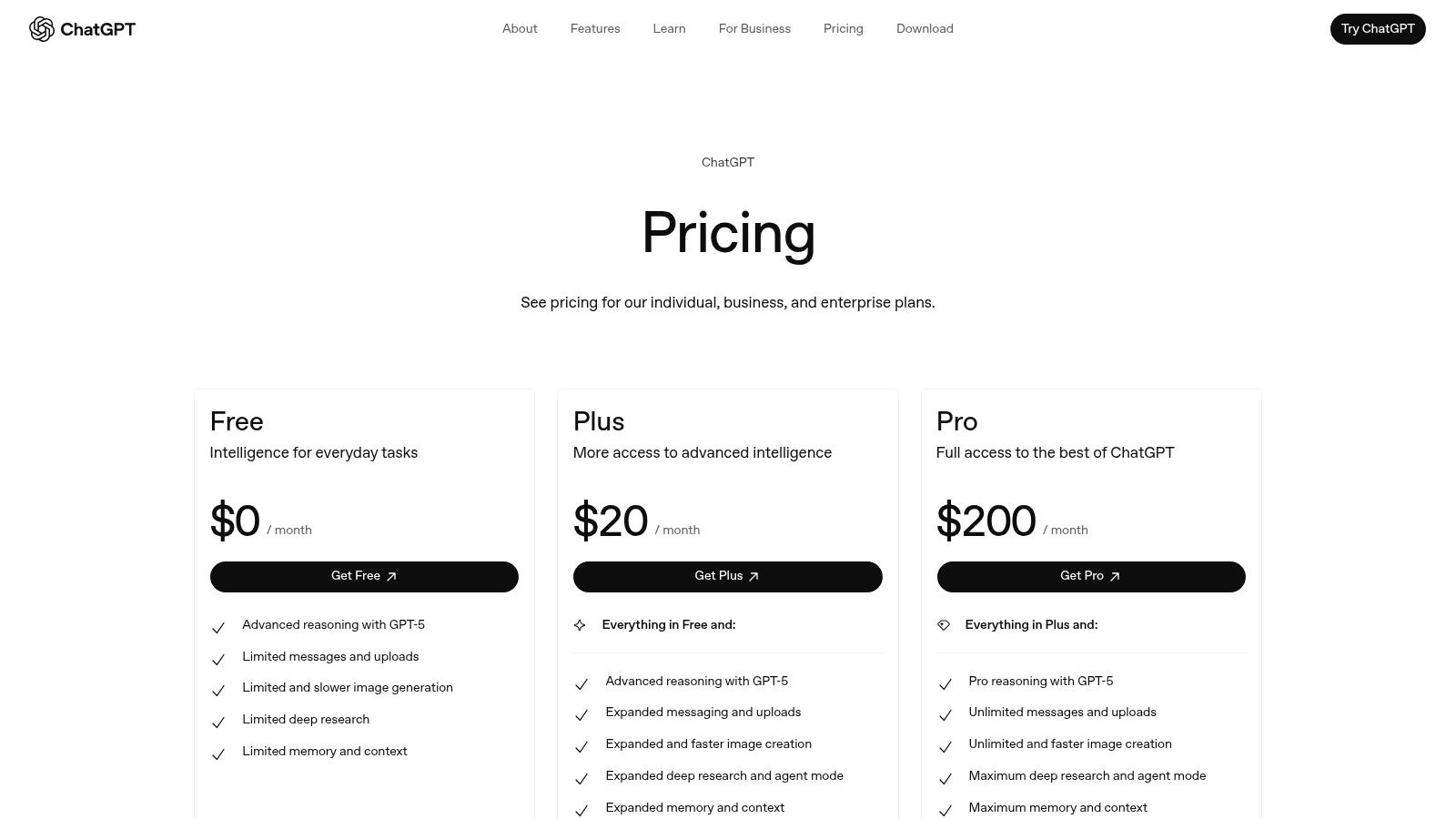
The primary advantage is its combination of cutting-edge AI with crucial business controls. You get access to OpenAI's most advanced models, like GPT-4o, with its built-in data analysis, file upload, and voice capabilities. The business plan ensures your company's data isn't used for training, a critical privacy feature.
Key Features and Pricing
- Secure Team Workspace: Provides role-based administrative controls, single sign-on (SSO), and usage dashboards.
- Advanced AI Models: Full access to GPT-4o, DALL-E 3, Advanced Data Analysis, and more.
- Custom GPTs: Allows teams to build and share custom AI agents tailored to specific internal tasks or workflows.
- Data Connectors: Integrates with Google Drive, Microsoft SharePoint, and other common business tools.
Pricing for ChatGPT Team starts at $25 per user, per month when billed annually.
Our Take
ChatGPT for Business excels due to its simplicity and broad utility. A marketing team can use it to brainstorm campaign ideas, a support team can draft customer replies, and an operations manager can analyze spreadsheet data, all within one secure platform.
While the per-seat cost can accumulate, the productivity gains often justify the expense. To use it effectively, establish clear internal guidelines on how and when to use the AI to prevent over-reliance and ensure consistent output quality across your team.
Visit Website: https://openai.com/chatgpt/pricing
3. Microsoft 365 with Copilot
For small businesses already embedded in the Microsoft ecosystem, integrating Copilot into their Microsoft 365 subscription is a natural next step. It excels by bringing AI assistance directly into the apps teams use daily, like Word, Excel, and Teams. This makes it one of the best AI tools for small business owners who want to enhance productivity within familiar workflows without adopting entirely new software.
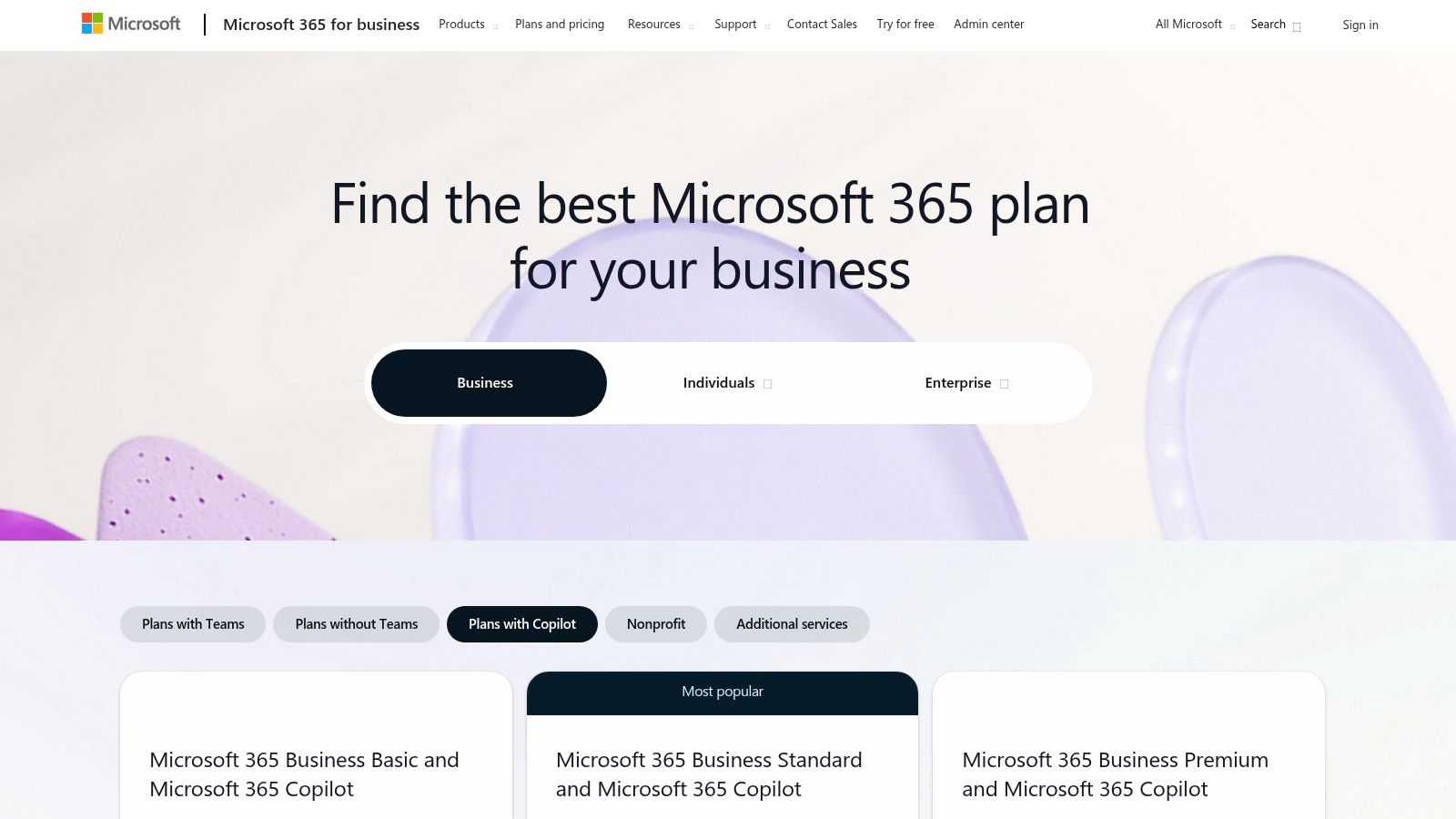
The key advantage is its deep integration with your company's internal data through Microsoft Graph. Copilot can summarize meeting transcripts from Teams, generate PowerPoint presentations from Word documents, or analyze sales data in Excel, all while respecting your organization's security and compliance policies. This contextual awareness sets it apart from standalone AI assistants.
Key Features and Pricing
- Deep Office Integration: AI is embedded directly in Word, Excel, PowerPoint, Outlook, and Teams for seamless use.
- Enterprise-Grade Security: Leverages your existing Microsoft 365 security, compliance, and privacy policies.
- Copilot Studio: Allows businesses to build and customize copilots tailored to specific departmental needs or workflows.
- Microsoft Graph Connector: Securely connects to your organization's emails, files, meetings, and chats to provide relevant, in-context assistance.
Copilot for Microsoft 365 is available as a $30 per user, per month add-on for eligible Microsoft 365 Business Standard/Premium and Enterprise plans.
Our Take
Microsoft 365 with Copilot is a powerful force multiplier for teams heavily reliant on Office apps. The ability to ask Copilot to "draft a proposal based on last week's sales report" and have it pull data directly from Excel and format it in Word is a significant time-saver. Its enterprise-grade security provides peace of mind for handling sensitive business data.
The primary drawback is the cost, as it's an add-on to an existing subscription. To maximize its value, focus on training your team on specific, high-impact use cases, like automating report generation in Excel or summarizing long email threads in Outlook.
Visit Website: https://www.microsoft.com/en-us/microsoft-365/business/compare-all-microsoft-365-business-products-with-microsoft-365-copilot
4. Google Workspace with Gemini
For small businesses already embedded in Google's ecosystem, Google Workspace with Gemini is a natural and powerful extension. It integrates AI assistance directly into the productivity tools teams use every day, like Gmail, Docs, and Sheets. This makes it one of the best AI tools for small business operations seeking to enhance existing workflows rather than adopting entirely new platforms.
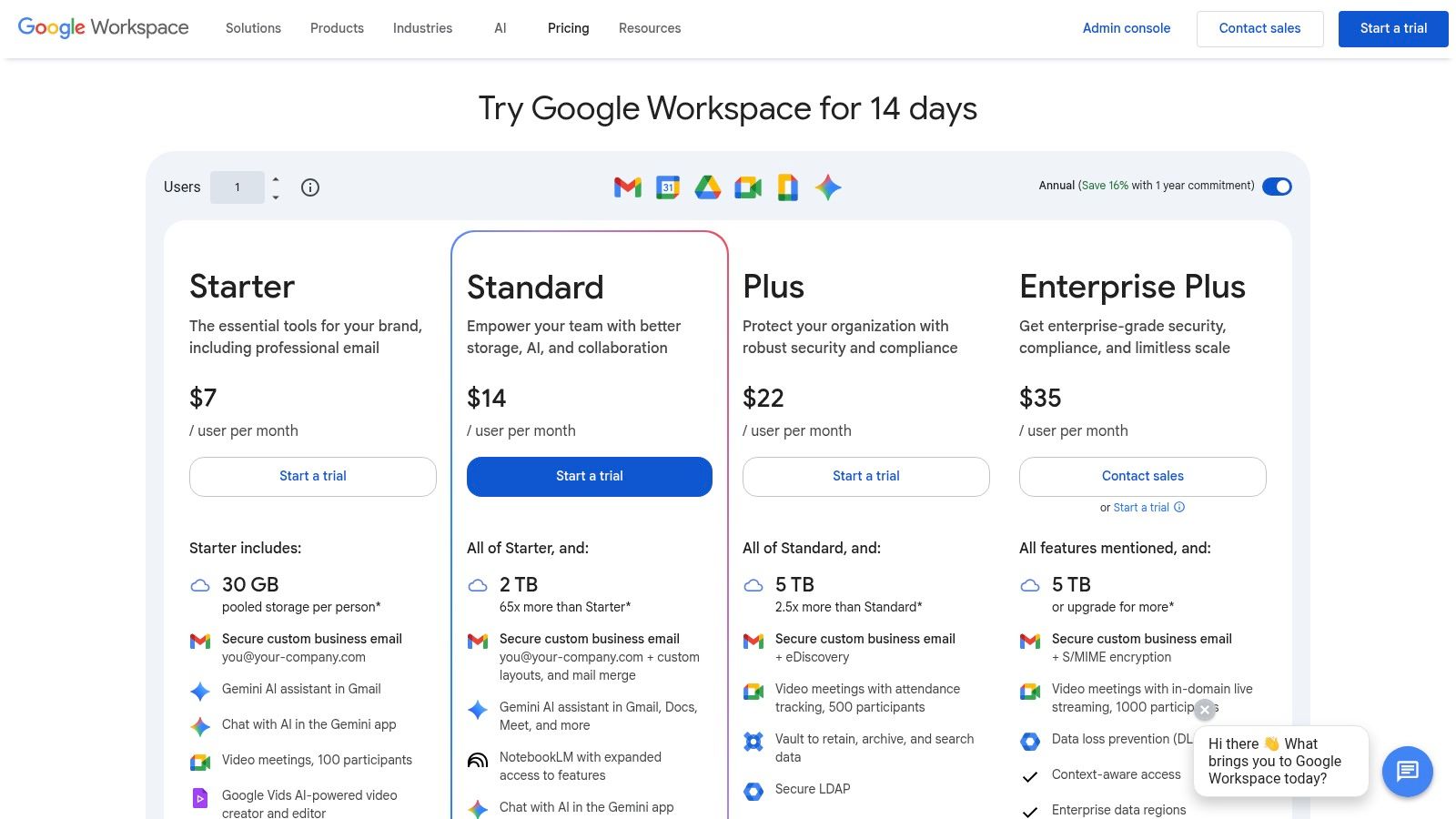
The primary advantage is its seamless integration. You can summarize lengthy email threads in Gmail, generate project plans in Sheets, or draft blog posts in Docs without ever leaving the application. This context-aware assistance streamlines tasks and leverages the data your business already stores in Google Drive, making the AI genuinely useful from day one.
Key Features and Pricing
- Embedded AI Help: Get AI-powered assistance directly within Gmail, Docs, Sheets, Slides, and Meet to draft, summarize, and create content.
- Gemini Assistants: Access powerful Gemini AI models for advanced reasoning, content creation, and analysis (availability varies by plan tier).
- NotebookLM Access: Use Google's experimental note-taking tool that uses AI to synthesize information from your source documents.
- Unified Pricing: AI features are included in various Google Workspace editions, which also provide collaboration tools, storage, and security.
AI features are available in plans like Business Standard, which starts at $12 per user, per month, with more advanced AI in higher tiers.
Our Take
Google Workspace with Gemini is a no-brainer for any business heavily reliant on Google's suite. The convenience of having AI baked into your core tools is a significant productivity booster, reducing the need to switch between apps. For example, a sales team can instantly generate a presentation in Slides from a brief written in Docs.
The main challenge is navigating the evolving plans and feature availability, as Google frequently updates its AI offerings. To use it effectively, ensure you are on a plan that includes the Gemini features most relevant to your needs and encourage your team to explore the AI prompts within each application.
Visit Website: https://workspace.google.com/pricing
5. Google Workspace Marketplace (AI apps)
For small businesses already using Google Workspace, the Marketplace is an essential resource for extending its capabilities. It's an app store filled with add-ons that bring specialized AI functions directly into Gmail, Docs, and Sheets. This makes it one of the best AI tools for small business users who want to enhance their existing workflows with targeted solutions without adopting entirely new platforms.
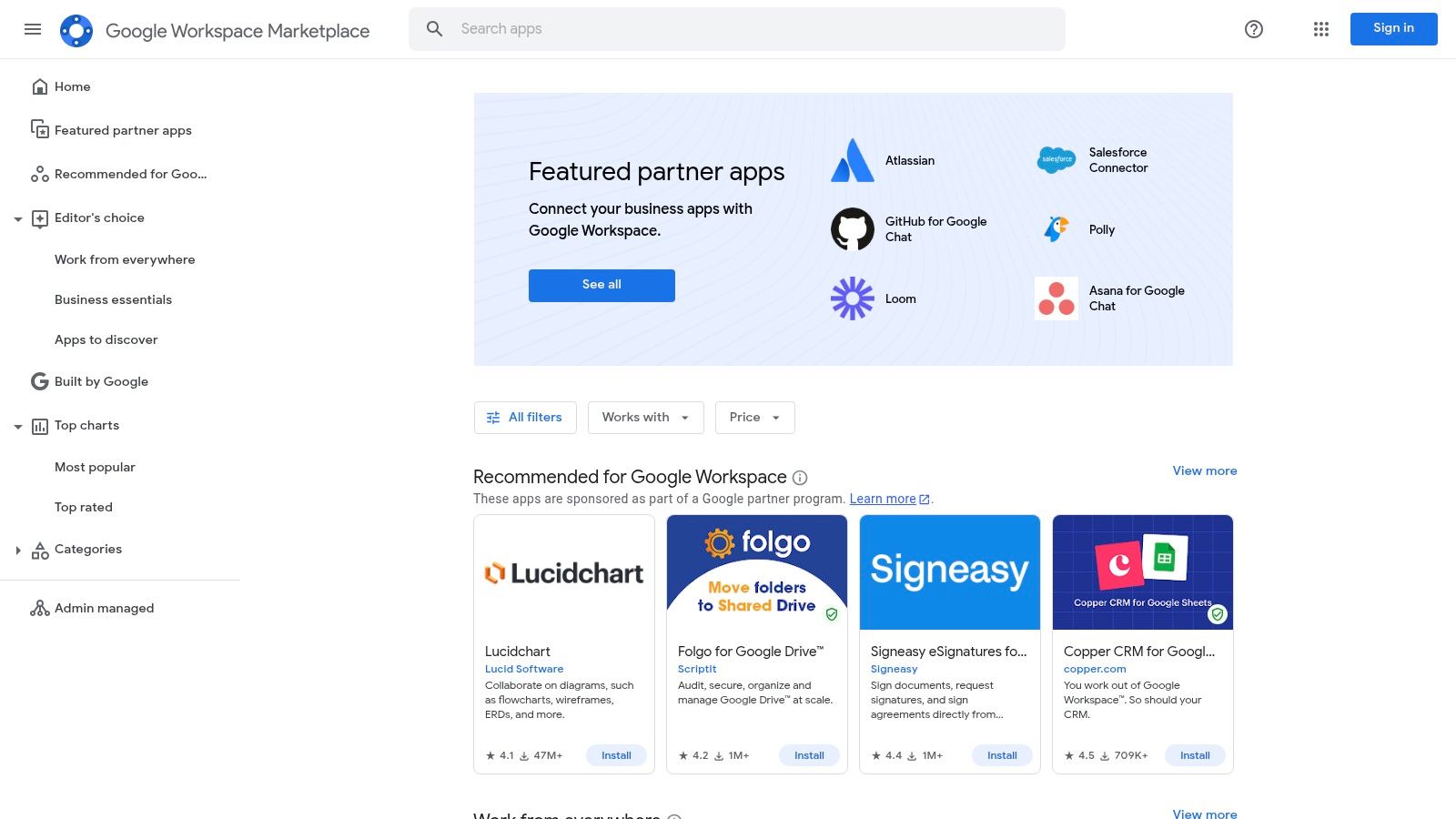
The primary advantage is seamless integration. Instead of switching between apps, you can use AI to generate text in Google Docs, analyze data in Sheets, or summarize emails in Gmail. Centralized admin controls allow business owners to deploy and manage these add-ons across the entire organization, ensuring consistent tool access and security.
Key Features and Pricing
- Verified Workspace Add-ons: Thousands of apps that integrate directly into Google Docs, Sheets, Slides, and Gmail.
- Domain-wide Admin Controls: Allows for centralized deployment, management, and permission scoping for the whole team.
- Direct AI Integration: Adds AI capabilities for tasks like content generation, data analysis, and workflow automation inside existing tools.
- Reviews and Security Badges: Helps businesses evaluate the quality and trustworthiness of third-party applications.
Pricing is determined by individual app vendors. Many offer free tiers, trials, or freemium models, with paid plans varying widely.
Our Take
The Google Workspace Marketplace excels at providing specialized, integrated AI solutions. A marketing team can install an AI writing assistant for Docs, while a finance team can add an AI-powered data cleaner for Sheets. This a-la-carte approach allows businesses to only pay for the specific functionality they need.
The main challenge is that quality and security vary by vendor. It's crucial to carefully read reviews and check the permissions an add-on requests before installing it domain-wide. Despite this, the ability to supercharge familiar tools makes the Marketplace an invaluable resource.
Visit Website: https://workspace.google.com/marketplace/
6. Microsoft Marketplace (SMB AI hub)
For small businesses invested in the Microsoft ecosystem, the Marketplace's SMB AI hub is the go-to destination for discovering and deploying vetted AI applications. It acts as a centralized app store, allowing you to find, trial, and purchase AI tools that integrate directly with platforms like Microsoft 365, Dynamics, and Azure. This makes it one of the best AI tools for small business owners who want to enhance their existing software with new capabilities without managing multiple vendors.

The primary advantage is its streamlined and secure procurement process. All apps are reviewed for security and compliance, and many offer free trials. Billing is consolidated through your existing Microsoft account, simplifying expense management. This lets you confidently experiment with AI solutions for productivity, file intelligence, or even virtual receptionists, knowing they are compatible with your core systems.
Key Features and Pricing
- Centralized SMB Hub: A dedicated landing page to browse AI apps built specifically for small and medium businesses.
- Vetted and Secure Apps: Listings undergo a security and compliance review, reducing procurement risks.
- Try-Before-You-Buy: Many applications offer free trials, allowing you to test functionality before committing.
- Integrated Billing: Purchases are managed directly through your Microsoft billing account for simplified administration.
Pricing is app-dependent, as the marketplace features third-party solutions with their own subscription models.
Our Take
The Microsoft Marketplace excels at reducing friction for SMBs already using Microsoft products. Instead of searching the open web for a compatible AI tool, you can find a pre-vetted solution here. This is especially useful for finding niche tools, like an AI-powered contract analyzer that integrates with SharePoint.
While the selection is growing, it might not cover every specific business need, and some listings are geared more toward mid-market companies. The key to using it effectively is to leverage the free trials to ensure an app truly fits your workflow before you purchase.
Visit Website: https://www.microsoft.com/en-us/marketplace/small-medium-business
7. Shopify App Store — AI Tools for E-commerce SMBs
For small businesses running on Shopify, the platform’s App Store is a goldmine of integrated AI tools designed specifically for e-commerce. Instead of a single platform, it’s a marketplace where merchants can find hundreds of AI-powered apps to automate marketing, improve customer service, and optimize store operations. This makes it one of the best AI resources for small business owners in retail who want to add powerful features directly into their existing workflow.
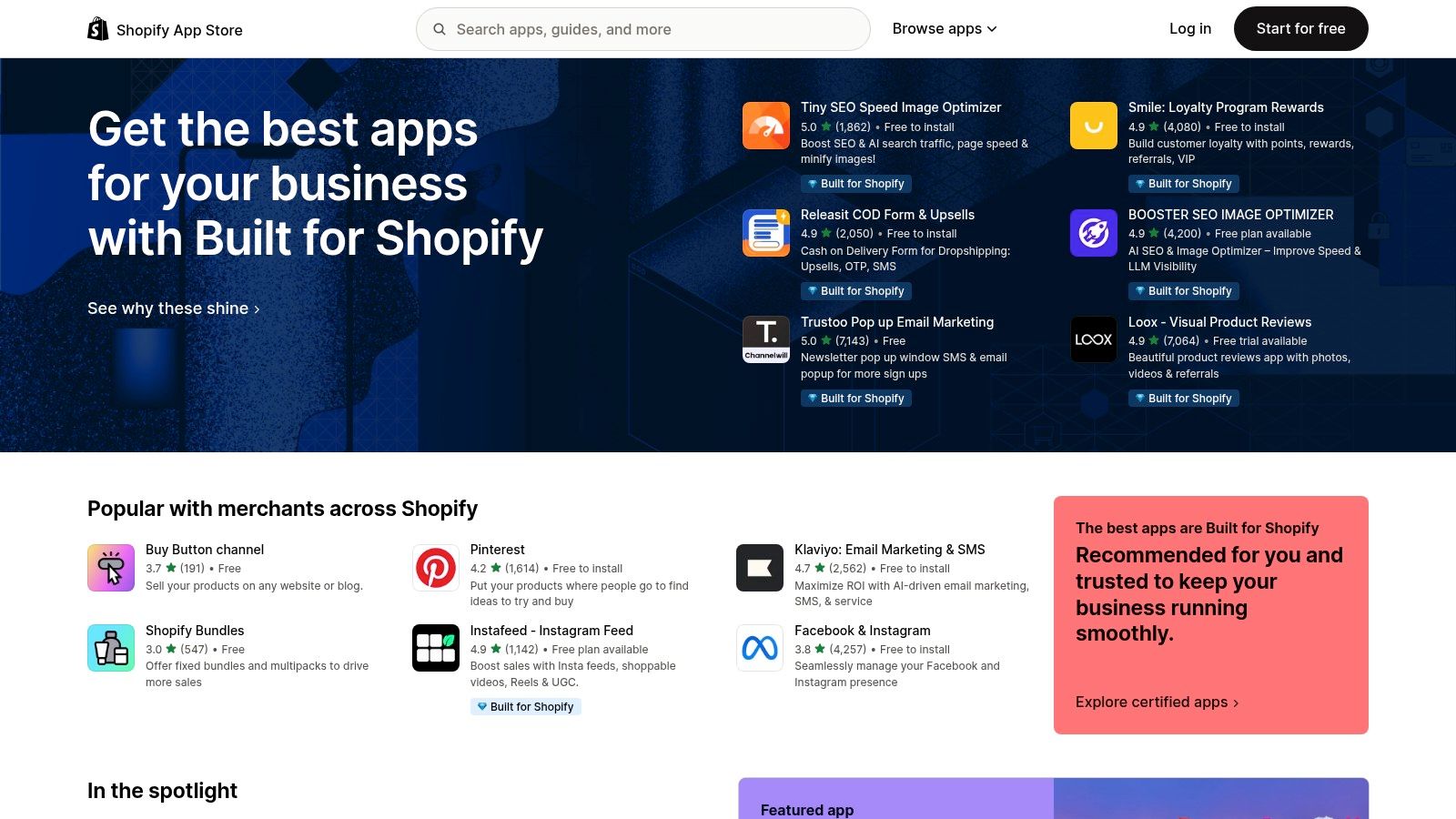
The primary advantage is the seamless integration. These apps are built to work within the Shopify admin, connecting directly to your product catalog, customer data, and order management system. This allows you to deploy sophisticated features like AI-powered product recommendations or customer service chatbots without needing a developer or complex setup.
Key Features and Pricing
- AI Shopping Assistants: Integrate chatbots that answer product questions, guide shoppers, and reduce cart abandonment.
- Recommendation Engines: Use AI to personalize product suggestions based on browsing behavior and purchase history.
- Content Generation: Automatically create compelling product descriptions, ad copy, and blog posts from basic inputs.
- Integrated Solutions: Many apps offer free plans or trials and install directly into your Shopify admin with a few clicks.
Pricing varies widely by app. Many offer a free tier for basic functionality, with paid plans typically ranging from $10 to $100+ per month depending on features and usage.
Our Take
The Shopify App Store excels by providing specialized, easy-to-deploy AI solutions for e-commerce. A small retailer can install an app to generate SEO-optimized product descriptions in minutes or add an AI chatbot to handle customer queries overnight. The sheer variety ensures a solution exists for nearly any e-commerce challenge.
While the cost of multiple paid apps can add up, the key is to start small. Identify your biggest pain point-whether it's writing content or personalizing the shopping experience-and test a highly-rated app with a free trial. Always check recent reviews to gauge an app's quality and support before committing.
Visit Website: https://apps.shopify.com/
8. HubSpot (AI inside the HubSpot Customer Platform)
For small businesses that want AI deeply integrated into their sales, marketing, and customer service workflows, HubSpot’s AI-powered platform is a standout choice. Instead of a separate tool, HubSpot embeds AI directly into its CRM, allowing teams to leverage customer data for highly personalized content creation, summarization, and automation. This makes it one of the best AI tools for small business teams focused on go-to-market activities who need a unified system.
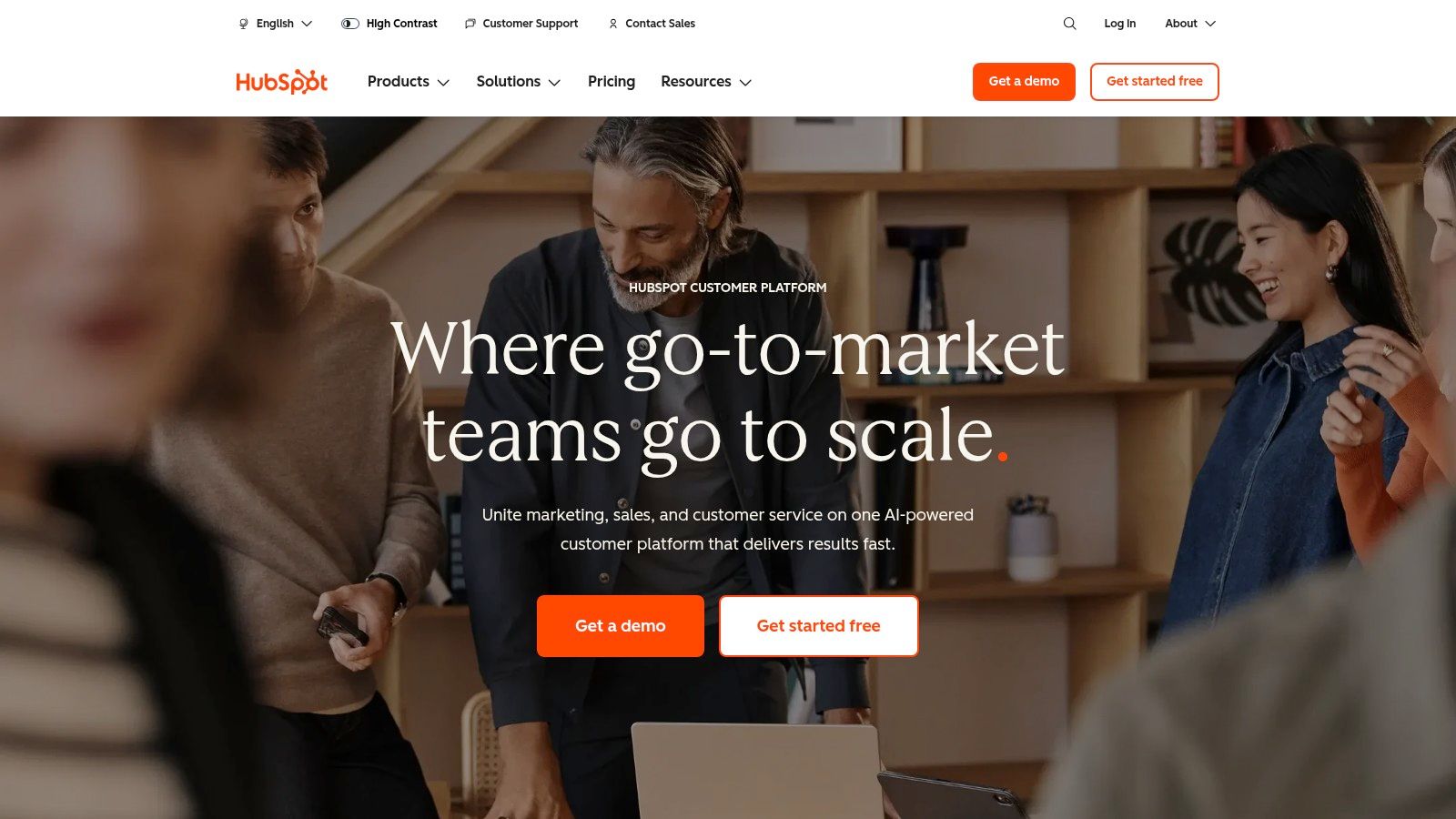
The key advantage is its CRM-native approach. AI features like content assistants and sales agents use your existing contact and company data to generate relevant emails, social posts, and blog drafts. This seamless integration speeds up campaigns and follow-ups while ensuring that AI-generated content is contextually aware and aligned with your customer journey.
Key Features and Pricing
- Content & Campaign Assistants: Generate blog posts, social media copy, and marketing emails directly within the Marketing Hub.
- AI Summarization: Get quick summaries of long email threads, customer ticket conversations, and contact timelines.
- CRM-Native Automation: Build AI-powered workflows to score leads, segment audiences, and trigger personalized follow-ups.
- Sales & Service Agents: AI tools that help draft sales emails, analyze call transcripts, and create knowledge base articles.
AI features are included across paid HubSpot Hubs (Marketing, Sales, Service), with pricing growing with contact limits and user seats. The more advanced Content Hub AI is available at Pro and Enterprise tiers.
Our Take
HubSpot’s AI shines because it isn't an add-on; it’s part of the core engine. A sales rep can use it to instantly draft a personalized follow-up email based on the last customer interaction logged in the CRM, while a marketer can generate a landing page targeting a specific customer segment.
While the platform can become costly as your business scales, the efficiency gains from having AI and CRM data in one place are significant. To use it effectively, implement clear governance to manage AI-generated content and ensure it maintains your brand's unique voice rather than creating generic sprawl.
Visit Website: https://www.hubspot.com/
9. Zapier (Automation + AI agents and builders)
For small businesses aiming to connect disparate apps and automate workflows, Zapier is an indispensable no-code platform. It integrates AI directly into automation, allowing you to build complex processes using natural language. This makes it one of the best AI tools for small business owners who want to streamline operations, from lead management to customer support, without writing a single line of code.
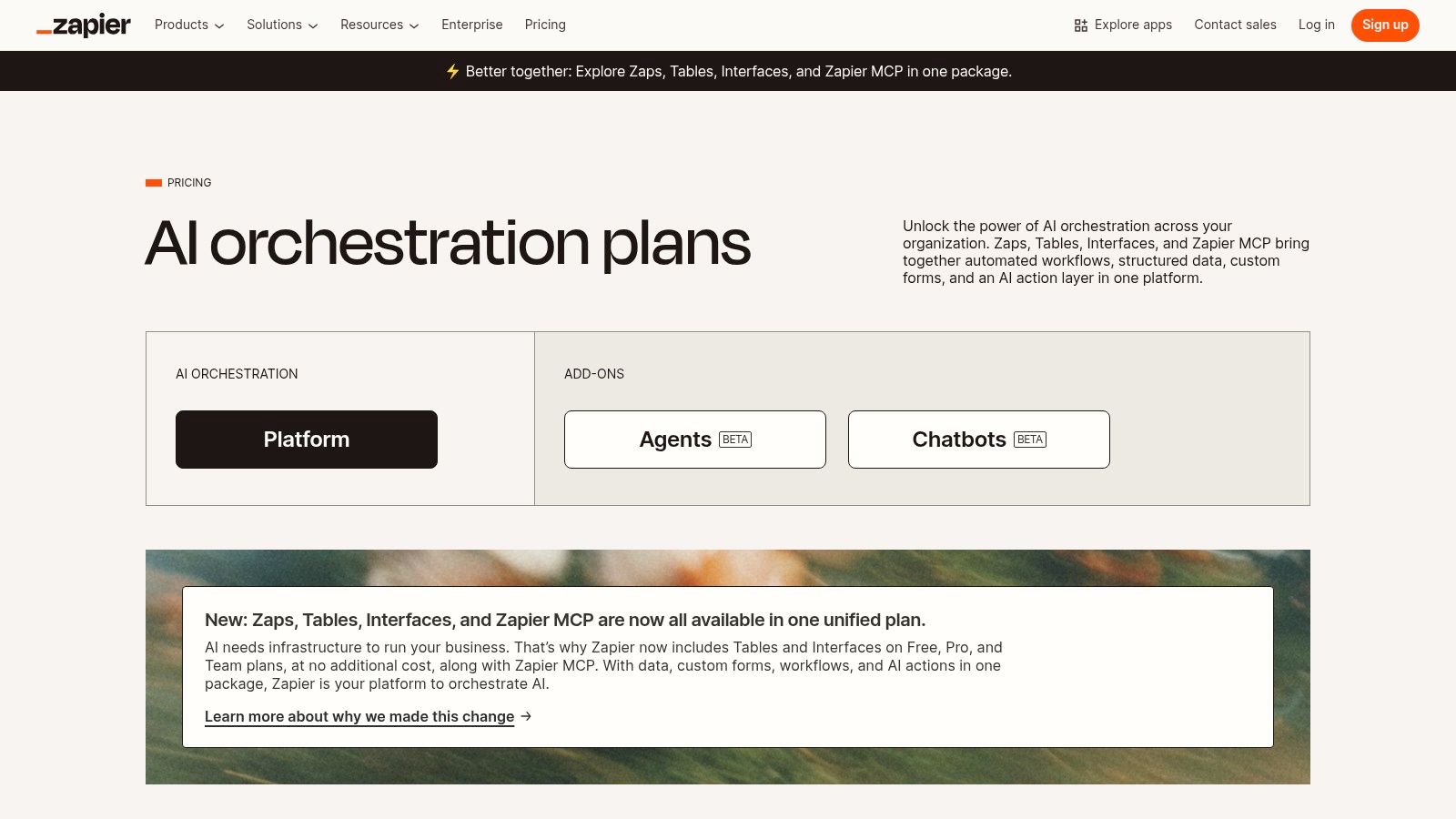
Zapier's key advantage is its vast ecosystem of over 8,000 app integrations combined with user-friendly AI. Its AI builders let you describe a workflow, and Zapier creates the multi-step "Zap" for you. This dramatically reduces the technical barrier to creating sophisticated, AI-enhanced automations that save countless hours of manual work. You can explore more about how to leverage similar small business automation tools to boost efficiency.
Key Features and Pricing
- AI Zap Builder & Copilot: Create multi-step automations (Zaps) by describing your goal in plain English.
- 8,000+ App Integrations: Connect virtually any tool your business uses, from CRMs to email marketing platforms.
- Zapier Agents: Build custom AI agents that can perform tasks, browse the web, and make decisions across your apps.
- Canvas & Functions: Visually map complex workflows and add advanced logic like branching paths and data formatting.
Zapier offers a free tier for basic automations. Paid plans start at $19.99 per month (billed annually), with costs scaling based on task usage and advanced features.
Our Take
Zapier excels at connecting the dots between your business tools and infusing them with AI intelligence. A sales team could automatically draft a personalized follow-up email when a new lead is added to a CRM, or a support team could use an AI agent to categorize and route incoming tickets.
While costs can increase with high task volume, the time-to-value is incredibly fast. The generous free tier is perfect for prototyping and testing workflows. To use it effectively, start by automating one or two high-frequency, low-value tasks to see an immediate ROI before expanding to more complex processes.
Visit Website: https://zapier.com/pricing
10. Canva — Magic Studio
For small businesses that need to create professional-looking marketing assets without a dedicated design team, Canva’s Magic Studio is a game-changer. It integrates a suite of AI-powered tools directly into the familiar Canva interface, empowering anyone to produce on-brand social media posts, presentations, and videos in minutes. This makes it one of the best AI tools for small business owners who need to scale content creation affordably.
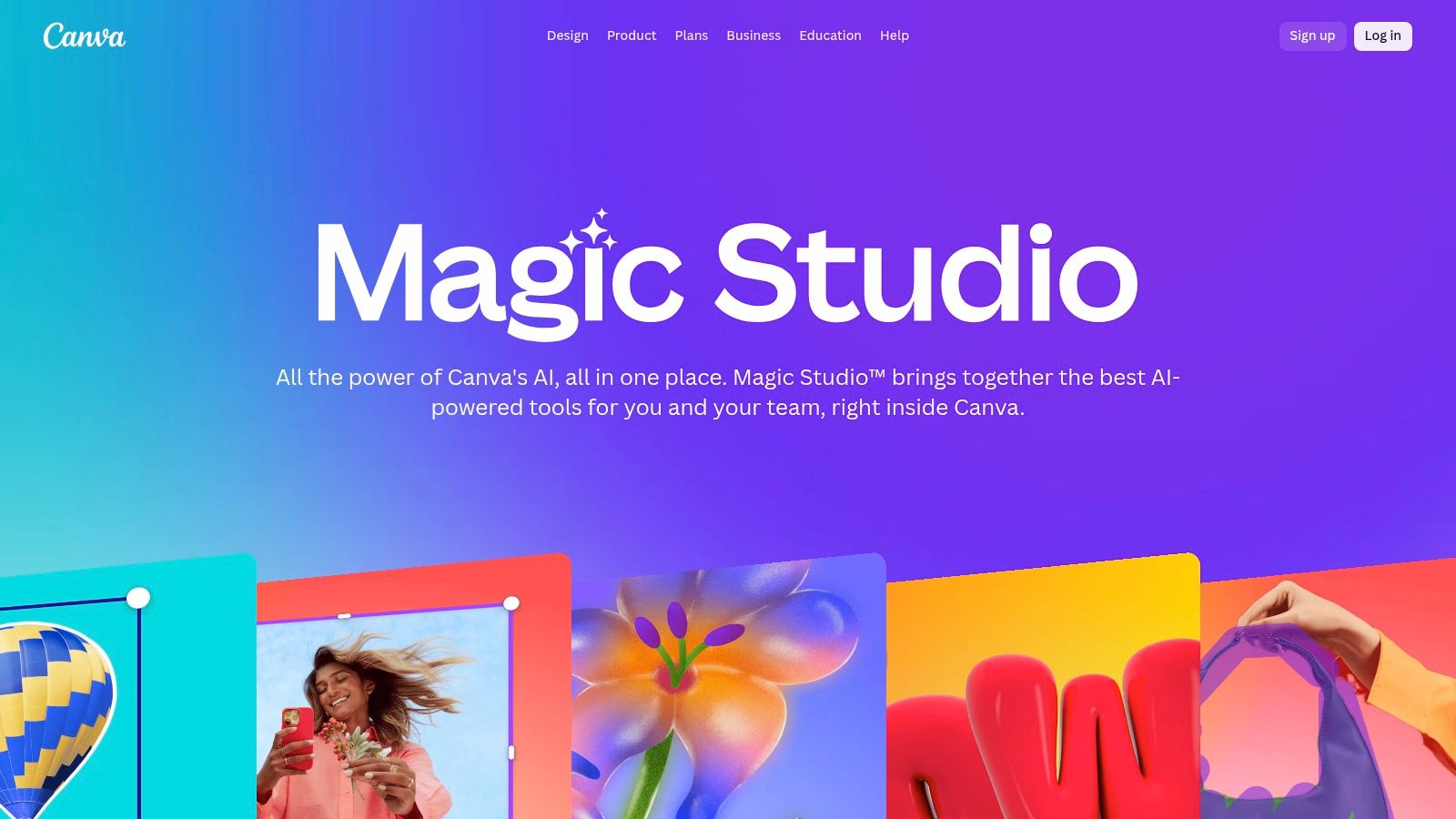
The platform’s strength lies in its accessibility. It demystifies the design process by turning simple text prompts into polished visuals, generating copy with Magic Write, or creating entire presentations with Magic Design. This seamless integration of content generation and design tools lowers the barrier to entry for high-quality creative production.
Key Features and Pricing
- Magic Write & Magic Design: AI-powered tools to generate marketing copy, blog posts, and entire design layouts from a simple prompt.
- Magic Media: Create unique images and videos from text descriptions to ensure your visuals are always original.
- Brand Kit and Controls: Maintain brand consistency with pre-set logos, colors, and fonts. Canva Shield provides admin controls for content governance.
- AI-Powered Editing: Features like Magic Eraser, Magic Edit, and bulk background removal streamline the photo and video editing process.
Canva for Teams starts at $14.99 per month for the first person, with tiered pricing for additional team members.
Our Take
Canva’s Magic Studio excels at making AI-driven design incredibly easy and fast. A marketing manager can generate an entire social media campaign, from copy to visuals, in a fraction of the time it would traditionally take. Its rich template library and brand control features ensure even non-designers can produce work that is consistent and professional.
While many core AI features require a paid plan, the return on investment is clear for teams that need to produce content consistently. For best results, use the Brand Kit to lock in your brand identity, ensuring all AI-generated designs remain on-brand and cohesive across all channels.
Visit Website: https://www.canva.com/magic/
11. AWS Marketplace — AI/ML
For small businesses already integrated into the Amazon Web Services ecosystem, the AWS Marketplace for AI/ML offers a centralized hub for discovering and deploying a wide range of AI solutions. Instead of being a single tool, it’s a vast catalog where you can purchase third-party AI SaaS products, deploy pre-trained models via Amazon SageMaker, or even procure professional services. This makes it one of the best AI tools for small business teams that need specialized, production-ready models and prefer consolidated billing through their existing AWS account.
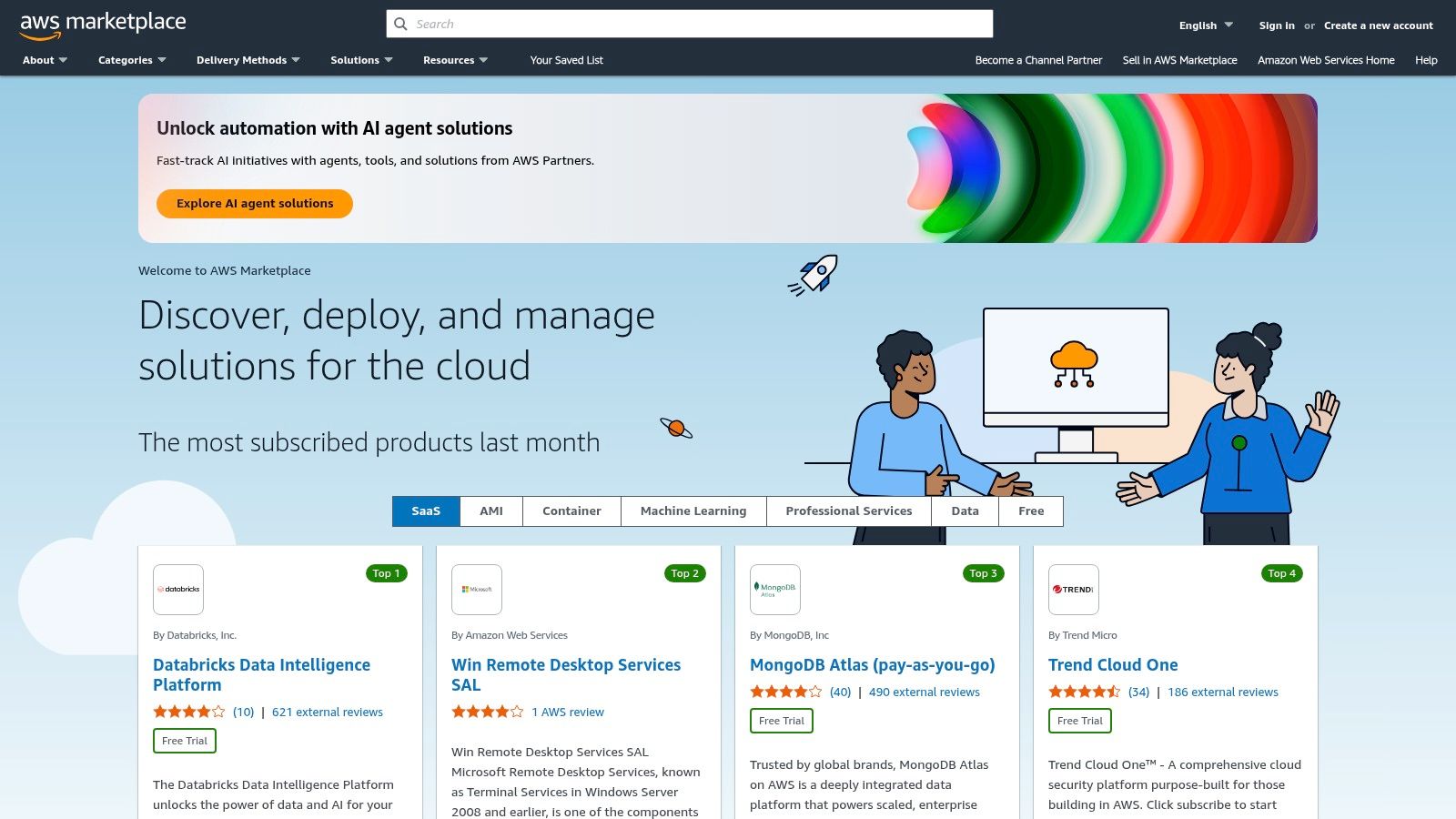
The platform’s key advantage is its sheer breadth and technical depth. It provides everything from simple SaaS tools for text analysis to complex, deployable algorithms for machine vision that can be integrated directly into your applications. This allows a business to start with a simple AI service and scale to more sophisticated, custom machine learning workflows as its needs evolve, all within a familiar procurement environment.
Key Features and Pricing
- Diverse AI/ML Catalog: Offers a wide selection of SaaS solutions, machine learning models, and deployable algorithms from various vendors.
- Centralized Procurement: Consolidates billing for all purchased AI tools and services through your existing AWS account.
- SageMaker Integration: Allows for one-click deployment of third-party models directly into Amazon SageMaker for custom development.
- Curated Solutions: Provides categorized listings for different industries and use cases like NLP, computer vision, and data labeling.
Pricing varies significantly by vendor and solution type, with options for free trials, pay-as-you-go, and monthly subscriptions.
Our Take
AWS Marketplace is ideal for technically-inclined small businesses that want flexibility and control over their AI stack. The ability to deploy models directly gives you a level of customization that many off-the-shelf SaaS platforms can't match. For example, a retail business could find and deploy a specialized product recommendation model directly into its e-commerce backend.
However, the platform can be overwhelming for non-technical users, as evaluating and implementing many of the solutions requires some understanding of machine learning concepts and AWS infrastructure. It's best used by businesses with an in-house or contract developer who can manage the technical deployment and integration.
Visit Website: https://aws.amazon.com/marketplace/
12. G2 — Best AI Software and Small‑Business categories
Instead of being a single tool, G2 is an essential research hub for finding the best AI tools for small business owners. It's a buyer-review site that provides rankings, comparison grids, and user-generated feedback, helping you make informed decisions before committing to a new software subscription. Its strength lies in aggregating real-world user experiences, cutting through marketing hype.
The primary advantage of G2 is its comprehensive filtering system. You can specifically browse AI software categories and then narrow down the results to products highly rated by other small businesses. This allows you to compare features, read detailed pros and cons, and shortlist vendors based on feedback from companies similar to your own.
Key Features and Pricing
- Small Business Filters: Dedicated filters to see only the software solutions that are best suited for small business needs and budgets.
- User Reviews & Ratings: Access thousands of verified user reviews with detailed pros, cons, and problem-solving examples.
- AI Software Categories: Drill down into specific AI subcategories like AI Content Creation, AI Chatbots, or AI Video Generation to find specialized tools.
- Comparison Grids: Visually compare top products in a category based on features, satisfaction ratings, and market presence.
G2 is free to use for browsing reviews and comparing software.
Our Take
G2 is an indispensable first step in the AI tool adoption process. Before you sign up for a trial, you can use it to validate a tool’s claims and uncover potential limitations that aren't mentioned on the vendor's website. It helps you build a confident shortlist.
While the sheer volume of information can be overwhelming, the small-business filter is key. Always use G2 for research but remember to visit the vendor’s website to verify the most current pricing and feature details before making a final purchasing decision.
Visit Website: https://www.g2.com/
Top 12 AI Tools for Small Business — Feature Comparison
| Product | Core features | User experience / Quality | Pricing & value | Target audience | Unique selling points |
|---|---|---|---|---|---|
| Yoonoo | No-code chatbot, indexes pages/docs/PDFs, widget + inline embeds, API/Zapier/Make integrations | Very fast 5‑minute setup; AI learns from your content; interactive demo | Pay‑per‑use credits $0.002/msg (1,000 msg increments); first 10 indexed pages free; indexing tiers | Small businesses, e‑commerce, support & marketing teams | Instant setup, content‑trained AI, permanent message credits, flexible embed options |
| OpenAI — ChatGPT for Business | Team workspaces, role‑based admin, SSO, GPT‑4o access, file connectors | High quality models; broad capabilities; strong privacy controls | Per‑seat SaaS pricing; can be costly for large teams | SMBs needing general‑purpose AI across teams | State‑of‑the‑art models, admin & security controls |
| Microsoft 365 with Copilot | Copilot across Word/Excel/Teams/Outlook; Microsoft Graph connectors; Copilot Studio | Deep Office integration; familiar UIs; enterprise compliance | Add‑on pricing on eligible M365 plans; increases per‑user cost | Organizations invested in Microsoft 365 | Tenant data integration, enterprise security & compliance |
| Google Workspace with Gemini | Gemini in Gmail/Docs/Sheets/Slides/Meet; NotebookLM and side‑panel assistants | Native Workspace UX; collaborative features; evolving entitlements | Per‑seat Workspace pricing; feature availability varies by tier | Google‑centric SMBs and teams | Gemini assistants embedded in Workspace apps |
| Google Workspace Marketplace (AI apps) | Thousands of add‑ons for Docs/Sheets/Drive; domain installs & reviews | Easy discovery and one‑click installs; quality varies by vendor | Many free tiers/trials; vendor pricing varies | Workspace admins wanting extensions | Wide selection, domain‑wide deployment, reviews for vetting |
| Microsoft Marketplace (SMB AI hub) | Vetted AI apps for M365/Dynamics/Azure; trials and Microsoft billing | Centralized procurement and trials; compliance checks | Microsoft billing; try‑before‑buy options | SMBs preferring Microsoft procurement | Vetted listings, integrated billing, trial options |
| Shopify App Store — AI tools | Chatbots, search/recommendations, content & image generators | Tight Shopify admin integration; many apps offer trials | App pricing per app; free tiers common; stacking can add cost | E‑commerce SMBs and merchants | E‑commerce focused AI, direct store integration |
| HubSpot (AI in HCP) | AI content, summarization, agents across Marketing/Sales/Service; CRM integration | CRM‑native workflows and templates; strong automation | Seat/tier based pricing; higher tiers add cost | SMBs needing CRM‑driven personalization & automation | Deep CRM integration linking AI to customer data |
| Zapier (Automation + AI) | No‑code automations, AI Zap Builder, 8,000+ integrations, agents | Fast prototyping; broad app ecosystem; intuitive | Generous free tier; costs scale with tasks and agents | SMBs automating workflows without engineering | Massive integrations and natural‑language automation builder |
| Canva — Magic Studio | Magic Write/Design/Media, templates, brand kits, AI image/video tools | Extremely easy for non‑designers; rapid iterations | Free + paid Business plans; premium AI features paid | Marketing teams, small creative teams | Design‑first AI with templates and brand controls |
| AWS Marketplace — AI/ML | SaaS AI, SageMaker model packages, deployable algorithms & services | Technical depth; powerful but can be complex for non‑tech buyers | AWS billing; varied pricing by offer; procurement flexibility | SMBs needing deployable ML or AWS procurement | Deployable models, services and enterprise‑grade tooling |
| G2 — Best AI & SMB categories | Buyer reviews, category rankings, pros/cons, filters by size | Large volume of user feedback; helpful for shortlisting | Free access to reviews; vendor links for pricing checks | Buyers researching and comparing AI vendors | Real‑user reviews, category rankings and filters |
Choosing the Right AI Tools for Your Business Needs
Navigating the world of artificial intelligence can feel overwhelming, but as we've explored, the potential rewards for small businesses are immense. The key isn't to adopt every new gadget that appears. Instead, the real power lies in strategically selecting and implementing the best AI tools for your small business that solve specific, tangible problems you face every day.
We've covered a wide spectrum of solutions, from comprehensive ecosystems like Microsoft 365 with Copilot and Google Workspace with Gemini to specialized platforms like Canva's Magic Studio for creative tasks and HubSpot's AI for marketing and sales. Marketplaces like the Shopify App Store and AWS Marketplace offer tailored solutions for niche needs, while automation giants like Zapier allow you to connect different tools and build powerful, AI-driven workflows without writing a single line of code. The takeaway is clear: there is no single "best" tool, only the right tool for the job at hand.
How to Start Your AI Journey: A Practical Roadmap
Instead of a complete operational overhaul, think of AI implementation as a series of small, strategic upgrades. A focused, step-by-step approach will yield better results and prevent you from getting bogged down by complexity.
- Identify a Single, High-Impact Problem: What is the most repetitive, time-consuming task in your business? Is it answering the same customer questions over and over? Is it writing social media posts? Is it summarizing long emails? Pinpoint one specific pain point to start with.
- Match the Problem to a Tool Category: Once you've identified the problem, find the right category of tool. For customer service bottlenecks, a no-code chatbot like Yoonoo is a perfect fit. For content creation struggles, a generative AI assistant like ChatGPT for Business or an integrated suite is ideal.
- Start Small and Test: Begin with a free trial or the most affordable plan. Implement the tool for a specific, measurable task. For instance, deploy a chatbot on just your pricing page to see how it handles common questions before rolling it out site-wide.
- Measure the Impact: Define what success looks like. Are you aiming to reduce customer support tickets by 20%? Do you want to cut down the time spent writing marketing copy by five hours per week? Track these metrics to understand the tool's real-world ROI. If it's working, expand its use. If not, pivot and try another solution.
Key Factors for Making Your Final Decision
As you evaluate your options, keep these crucial considerations in mind. The right tool not only solves your immediate problem but also aligns with your long-term business goals and operational realities.
- Integration: How well does the tool fit into your existing software stack? A solution that seamlessly connects with your CRM, email marketing platform, or e-commerce site (like those found in the Google or Microsoft marketplaces) will save you significant time and prevent data silos.
- Ease of Use: As a small business owner, your time is your most valuable asset. Prioritize tools with intuitive interfaces and minimal learning curves. No-code and low-code platforms are specifically designed for non-technical users, making them excellent starting points.
- Scalability and Pricing: Consider the tool's pricing model. Does it scale as your business grows? Look for transparent, predictable pricing that won't lead to surprise costs. A tool that is affordable today should still be affordable as you expand your team or customer base.
Ultimately, integrating AI is a journey of continuous improvement. By taking a thoughtful, problem-focused approach, you can transform these powerful technologies from a confusing buzzword into a true competitive advantage. The goal is to build a smarter, more efficient business that frees you up to focus on what truly matters: growth, innovation, and connecting with your customers. To delve deeper into specific recommendations and learn more about solutions tailored for small businesses, explore comprehensive guides such as this one listing the 12 Best AI Tools for Small Business in 2025.
Ready to take your first, high-impact step into AI? Start by automating your customer support. With Yoonoo, you can build and deploy a smart AI chatbot in minutes, no coding required, to answer customer questions 24/7 and free up your team. Visit Yoonoo to see how easy it is to deliver instant support and create happier customers today.