AI Chatbot for Small Business Quick Setup Guide
An AI chatbot is your secret weapon for small businesses. It's a tool that gives you 24/7 automated customer service, answers common questions in a snap, and even helps qualify new leads—all without you lifting a finger. Think of it as your most dedicated employee, one who handles the routine stuff so you can get back to building your business.
Why Your Small Business Needs an AI Chatbot
Let's cut through the noise. An AI chatbot isn't some futuristic tech for massive companies; it's one of the most practical tools a small business can have. It tackles the real-world problems we all face: not enough staff, only so many hours in a day, and the constant need to be available for customers.
Picture this: your bakery is getting custom cake orders at 11 PM, or your consulting firm is pre-qualifying potential clients while you're sound asleep. That’s what an AI chatbot does. It works around the clock, making sure you never miss a question or lose a lead just because you weren't there to answer.
Meeting Modern Customer Expectations
People today want answers now. They're not going to wait a day for you to email them back about your store hours or return policy. A chatbot gives them that instant gratification. It keeps them on your site and stops them from bouncing over to a competitor out of frustration.
This isn't just a hunch; the numbers prove it. A recent study from American Express shows that 64% of small businesses are now using AI chatbots for customer service. It’s part of a bigger trend, with 66% of small businesses using AI in some capacity. It's clear that AI has gone from a nice-to-have to a business essential. You can dig into more data on this huge shift in small business AI adoption.
To show you how this works in the real world, here are a few examples of how different businesses can put a chatbot to immediate use.
AI Chatbot Benefits for Different Small Businesses
| Business Type | Primary Use Case | Key Benefit |
|---|---|---|
| Local Bakery | Taking custom cake orders & answering allergen questions | Captures sales 24/7 and builds customer trust |
| Boutique Gym | Class scheduling, membership sign-ups & trial offers | Reduces admin work and increases new member conversions |
| Real Estate Agent | Qualifying buyer/seller leads & scheduling property viewings | Frees up time to focus on high-value clients and close deals |
| E-commerce Store | Tracking orders, handling returns & product recommendations | Lowers support tickets and boosts average order value |
As you can see, the applications are practical and directly tied to saving time and making more money. It's a versatile tool that adapts to whatever your business needs most.
A Practical Growth Engine
A chatbot is much more than a fancy FAQ page—it's a tool for growth. By taking over the repetitive questions, it gives you back your most precious resource: time. Instead of typing out the same five answers every day, you and your team can focus on the stuff that really matters, like solving complex problems, creating new products, or building real relationships with your customers.
Think of a chatbot not as a replacement for your team, but as its most reliable assistant. It handles the predictable, freeing up humans to manage the exceptional.
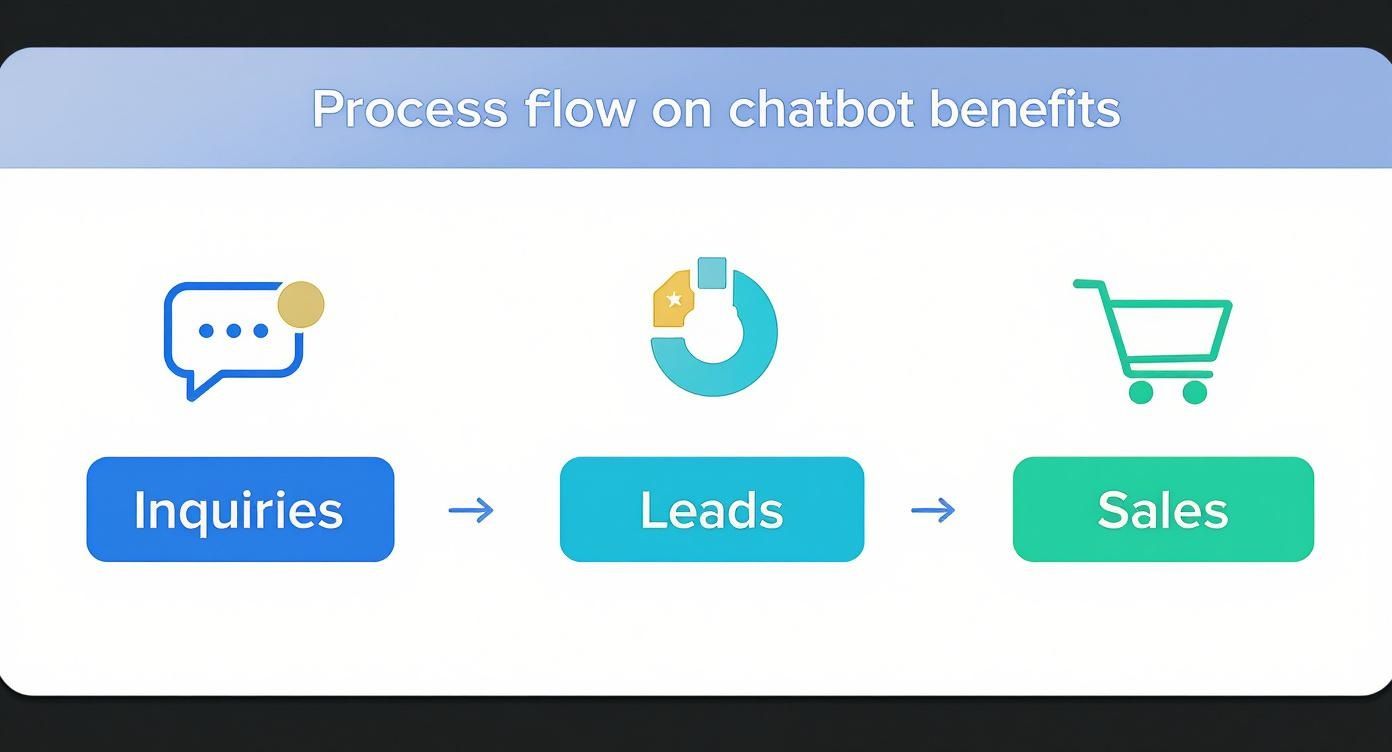
This boost in efficiency hits your bottom line directly. With a bot handling the first touchpoint, your team gets to talk to warmer, more qualified leads, which means better conversion rates. The benefits of AI chatbots are huge, from driving sales to keeping customers happy, making it a game-changer for any small business looking to punch above its weight.
Getting Your Bearings in the Yoonoo Chatbot Platform
Diving into new software can sometimes feel like you’ve been handed a map to a city you've never visited. We get it. That’s why we designed the Yoonoo platform to feel intuitive right from the get-go. My goal here is to help you feel confident managing your own ai chatbot for small business without ever needing to call a developer.
The moment you create your account and log in, you’ll land on the main dashboard. Think of it as your command center. It’s clean, organized, and everything you need is just a click or two away.
Here’s a quick look at what you’ll see.
From this screen, you can hop directly into your chatbot settings, check out performance analytics, or manage the information your bot uses to answer questions. It’s all laid out to keep things simple and get you moving quickly.
Where to Start: Your First Steps Inside Yoonoo
The platform is built to guide you, so you never have to wonder what comes next. Setting things up feels less like a complex technical project and more like ticking items off a simple to-do list.
You’ll spend most of your time in a few key areas:
- Chatbots: This is your home base for creating and tweaking your digital assistants. You can build out different bots for different websites or even for specific campaigns.
- Knowledge Base: I like to call this the chatbot's brain. This is where you’ll feed it information by connecting your website, uploading documents, or adding text.
- Appearance: Over here, you can play with the colors, logos, and overall style of your chat widget to make sure it looks like a natural part of your brand.
- Analytics: Once your bot is up and running, this is where the magic happens. You’ll see how many conversations it's having and what your customers are asking most often.
Feeding Your Chatbot: Connecting Your First Data Source
This is the most critical first step. An AI chatbot without information is like a customer service agent on their first day with no training manual. It can’t help anyone.
Luckily, Yoonoo makes this part incredibly easy.
Head over to the "Knowledge Base" section in your dashboard. You’ll see a few ways to instantly make your bot an expert on your business.
- Crawl Your Website: This is by far the easiest way to start. Just pop in your website’s URL, and Yoonoo will automatically scan your pages to learn about your products, services, and company story.
- Upload Documents: Got a detailed FAQ, a PDF of your service menu, or a company policy document? Just upload the files directly. The bot will absorb the information.
- Add Plain Text: You can also just copy and paste text right into the knowledge base. This is perfect for quickly adding specific answers or details you want the bot to have ready.
My personal tip: Always start by crawling your main website. It gives the AI a fantastic, broad understanding of your business in just a few minutes. After that, you can upload specific documents to fill in any knowledge gaps.
This is the step that truly brings your chatbot to life. It goes from being an empty box to a helpful, knowledgeable assistant, ready to answer questions using information straight from sources you've already created and trust. The whole process is designed to be fast, so your new AI chatbot can be on the job in no time.
Giving Your Chatbot a Brain: Training It on Your Business
An AI chatbot is a bit like a brand-new employee. It’s eager and ready to work, but it doesn't know anything about your business yet. It's only as smart as the information you give it. Your job is to train it, to turn it from a blank slate into a genuine expert on what you do.
This is probably the most important part of setting up an effective ai chatbot for small business. If you skimp on the training, the bot will give vague or incorrect answers, which just frustrates customers and defeats the whole purpose. The goal here is to make your chatbot the most reliable, knowledgeable team member you have.
The good news? With a tool like Yoonoo, you don't need to be a coder. You just need to feed it the documents and information you already have.
What to Feed Your Chatbot First
Before you do anything else, round up the essential documents that explain how your business works from a customer's point of view. Think about the questions you get asked over and over again. Those are the answers you want to digitize.
Here are the absolute must-haves to upload:
- Frequently Asked Questions (FAQs): This is your cheat sheet. If you have an FAQ page on your website, that’s gold. Upload it, and your bot instantly knows the answers to the most common questions.
- Product or Service Lists: Do you run a salon? Upload your service menu with prices. An online store? Give it your product descriptions and specifications. Be detailed!
- Policy Docs: Don't forget the boring but important stuff. Your return policy, shipping details, and terms of service are perfect for the chatbot. It can handle all those logistical questions flawlessly.
- Basic Company Info: Your "About Us" page, business hours, and location information are crucial for answering fundamental questions.
This initial brain-dump is what makes the bot yours. It's a key part of building a great AI customer support chatbot that can actually solve problems instead of just saying, "I don't understand."
A Little Prep Goes a Long Way
How you structure your documents really matters. AI doesn't "read" like a person; it processes and connects information. A bit of simple organization on your end will dramatically improve its performance.
My Two Cents: Think of your documents as a study guide for a final exam. The clearer you make the material, the better the AI is going to do when a customer pops a surprise quiz on it.
Stick to plain language and try to cut out the internal jargon. Use clear, descriptive headings. For example, a heading like "How to Return an Item" is much better for the AI than something vague like "Customer Policies." This helps the bot find the right piece of information in a split second.
Getting this right is why the AI chatbot market is absolutely exploding. It's expected to hit $15.57 billion in 2025, a huge jump from just $2.47 billion in 2021. That growth is fueled by small businesses like yours who are seeing real results. You can find more chatbot market statistics and trends on Exploding Topics if you're curious.
Let's Get Practical: Real-World Examples
So, what does this look like in practice?
- For a Local Restaurant: You’d upload your full menu (a PDF works great), a simple text doc with your hours and reservation policy, and another one outlining how you handle common dietary restrictions or allergies.
- For a Small Consulting Firm: You'd give it detailed descriptions of your service packages, a few client case studies, and a clear step-by-step of your new client onboarding process.
- For an Online Clothing Boutique: Definitely upload your returns and exchange policy, a complete sizing guide for all your products, and a breakdown of your shipping options and costs.
By feeding it this kind of specific, relevant knowledge, your chatbot stops being a generic tool and becomes a hardworking extension of your team, ready to help customers 24/7.
A well-trained chatbot is one thing, but a chatbot with personality? That's what makes you memorable.
Let's face it, a generic bot can feel cold and robotic. When you take the time to make it a genuine extension of your brand, you’re not just providing information—you're creating an experience and building a real connection with your customers.
Inside Yoonoo, you have full control over the look and feel of your ai chatbot for small business. The whole point is to make it seem like it truly belongs on your website, not like some third-party widget you just plugged in.
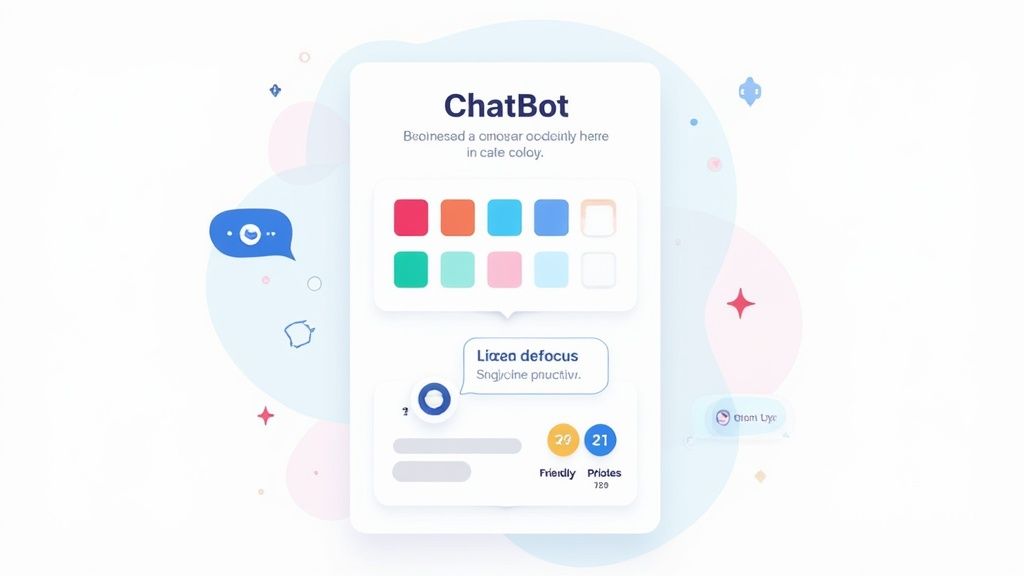
This all starts with the basics. You can easily tweak the color scheme to match your brand’s palette and pop your logo right into the chat header. Another small but powerful touch is crafting a warm, welcoming first message to greet every visitor. It really does make a huge difference.
Defining Your Chatbot's Voice
Beyond the colors and logos lies the most crucial part: personality. How should your chatbot sound? Should it be professional and straight to the point, or more friendly and casual? The answer comes directly from your brand's own voice. Thinking about broader small business branding tips can really help clarify this.
Yoonoo makes setting this tone incredibly easy with simple instructions. Think of it as giving your bot a little personality directive. This single step ensures every single interaction lines up with how you want customers to see your business.
What could this look like in the real world?
- Playful & Fun: Perfect for a toy store or a creative agency. The bot could sprinkle in some emojis and use lighthearted language.
- Professional & Authoritative: A great fit for a law firm or a financial consultant. Here, the tone would be more formal, direct, and focused on providing clear information.
- Helpful & Warm: Ideal for a local service business or a healthcare clinic. The bot would come across as empathetic, patient, and reassuring.
Consistency is everything. When your chatbot's personality is a perfect match for your website and your team, it builds trust and makes the entire customer experience feel seamless and authentic.
Crafting the Perfect Persona Prompt
Creating this persona is surprisingly straightforward. In the chatbot settings, you’ll just write a short paragraph that guides its responses.
Pro Tip: Specificity is your best friend here. Don't just tell it to "be friendly." Describe how you want it to be friendly. For instance: "You are a cheerful and helpful assistant. Use exclamation points and positive language, but avoid slang."
Here’s a look at how a few different businesses might write their persona prompts:
| Business Type | Persona Prompt Example |
|---|---|
| Boutique Coffee Shop | "You are 'The Brew Buddy,' a friendly and passionate coffee expert. Be conversational, use coffee-related puns, and always sound excited to help someone find their perfect drink." |
| Tech Support Company | "You are a calm, clear, and professional support agent. Provide step-by-step instructions. Never use slang or emojis. Your goal is to solve problems efficiently and politely." |
| Children's Clothing Store | "You are 'Sunny,' a helpful and sweet store assistant. Your tone is cheerful and patient. Use simple language and emojis like 😊 and ✨ to make parents feel welcome." |
Taking just a few minutes to nail down this personality is one of the most high-impact things you can do. It guarantees that every single customer interaction reinforces who you are as a brand.
Putting Your AI Chatbot to Work on Your Website
You've trained your AI and given it a personality. Now for the exciting part: making it live on your website. This is where all your prep work comes together, and thankfully, getting your Yoonoo ai chatbot for small business up and running is the easiest step of all.
You absolutely do not need to be a developer to pull this off.
Whether your site is built on WordPress, Shopify, or Squarespace, the method is the same. It’s all about copying one little piece of code and pasting it in the right place. The whole process is designed to be quick, so you can start helping customers right away.
Getting Your Chatbot Live
Head over to your Yoonoo dashboard. You’ll find a section for embedding your chatbot that gives you a small snippet of code. It might look a little intimidating if you're not used to code, but you don't need to know what any of it means. Just copy it.
Once you have that code on your clipboard, here's where it usually goes:
- WordPress: Most themes have a special spot for "custom scripts" or "header/footer code" in the theme settings. Just paste it in there.
- Shopify: In your theme customization settings, you'll want to find the option to edit the code. The best place for the snippet is usually the
theme.liquidfile, right before the closing</body>tag. - Squarespace: Dive into your website's advanced settings and look for the "Code Injection" area. The footer section is the perfect spot for your chatbot code.
That's it. A simple copy-and-paste is all it takes for the chat widget to pop up on your site.
A Few Tips for a Flawless Launch
Before you tell the world about your new 24/7 assistant, it's smart to do one last round of testing. This makes sure every visitor's first chat is a good one.
Put on your customer hat for a minute. Try asking your chatbot the common questions you hear all the time.
- What are your hours?
- Can I return an item?
- How much is shipping?
This final once-over helps you catch any blind spots in its knowledge before a real customer does. After you go live, keep an eye on the analytics dashboard inside Yoonoo. This is where you’ll see the actual questions people are asking, which is an amazing source of insight into what your customers really need.
Those first few days of conversations are like getting free, real-time market research. You’ll see what matters most to your visitors and can quickly add that information to your chatbot’s brain to make it even more helpful.
This is exactly why so many small businesses are bringing AI into their operations. In fact, 58% of small businesses are already using generative AI tools. This trend goes against the old fear that AI replaces people; a separate study found that 82% of small businesses using AI also grew their workforce.
They see it as a tool that helps them expand, not cut back. You can dig deeper into this trend and learn more about how small businesses are embracing technology on USChamber.com. By adding a chatbot, you're doing more than just automating a few tasks—you're joining a wave of businesses learning to grow smarter.
Got Questions About AI Chatbots? We’ve Got Answers.
It's smart to have a few questions before adding any new tool to your business, especially something like an AI chatbot for small businesses. Many owners I talk to worry if it's going to be too complicated, too expensive, or just feel a bit robotic for their customers.
Let's dive into some of those common concerns and clear things up.
"Am I Going to Need a Developer for This?"
One of the biggest hurdles for any small business owner is the tech side of things. How much coding skill do you really need to get one of these AI assistants running? Honestly, almost none.
Modern platforms like Yoonoo are designed for business owners, not programmers. If you've ever updated your own website or posted on social media, you're more than qualified. The whole process is incredibly simple: upload the documents you already have (like FAQs or service info), pick your brand colors, and then copy and paste one little snippet of code onto your website. It’s built to be a five-minute job.
"Will This Bot Replace My Team?"
This is a big one, but the answer is a firm no. Think of an AI chatbot less as a replacement and more as a super-efficient assistant for your team. It’s there to field all the common, repetitive questions that pop up at all hours of the day and night.
This actually empowers your team. By letting the bot handle the basics, your people are freed up to focus on the complex, high-value customer problems that really need a human touch. Your team gets to spend their time building relationships and solving real issues, not just answering "what are your hours?" for the tenth time.
"How Do I Know It's Giving the Right Answers?"
This is a great question. A chatbot's accuracy comes down to one thing: the quality of the information you give it. Its entire "knowledge base" is built from the documents you provide, whether that's content from your website, product spec sheets, or internal FAQs. It only knows what you teach it.
For businesses thinking about the bigger picture, it's useful to understand the nuanced role of AI like ChatGPT in professional services, which does a great job of explaining where human expertise is still irreplaceable.
The key to an accurate chatbot is feeding it clear, current, and thorough information. You are always in the driver's seat.
Yoonoo also makes it easy to check in on the bot's performance. You can review conversation logs to see if it ever got stumped. This lets you spot gaps in its knowledge and quickly add the right info, so it just keeps getting smarter and more helpful over time.
"This Sounds Expensive. Can I Actually Afford It?"
Absolutely. The cost of this kind of technology has come way down. When you stack up an affordable monthly plan against the cost of hiring another staff member or the value of all the new leads it could capture after hours, the return on investment is usually a no-brainer.
Ready to see how an AI assistant can change the way you talk to customers? Get started with Yoonoo today and you can have your first chatbot live in under five minutes. https://yoonoo.ai